Best in Class: Stream PC Games and Study on the Same Laptop With GeForce NOW



Back to school means balancing assignments, deadlines and downtime. GeForce NOW makes it easy to have it all.
With cloud gaming, everyday laptops used for class can also become GeForce RTX-powered gaming setups.
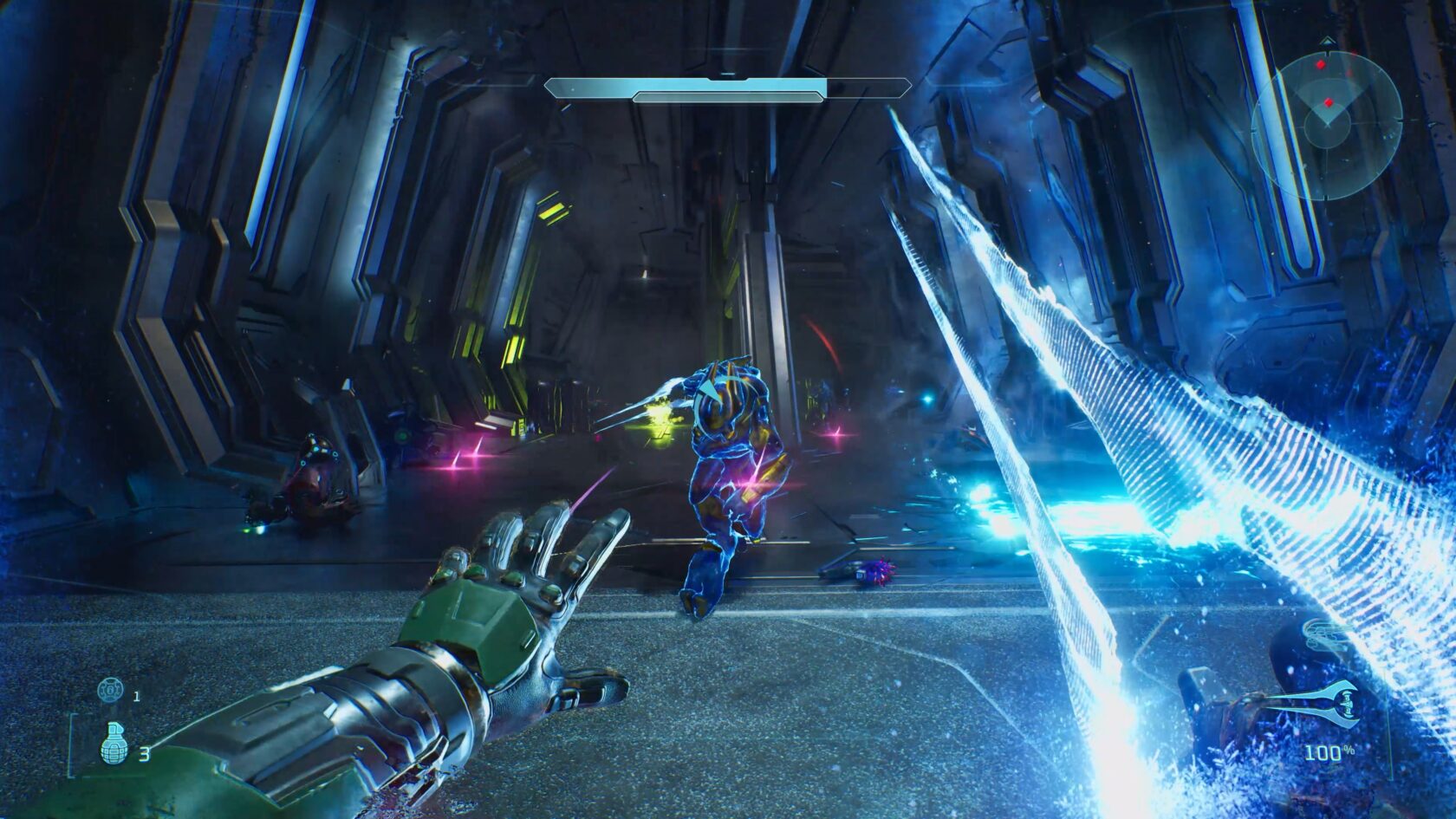
When it’s time to switch from studying to gaming, members can jump into Halo: Campaign Evolved, as GeForce NOW is bringing one of the gaming world’s most celebrated titles to nearly any device through the cloud, alongside eight total games joining the GeForce NOW library this week.
From A+ to AAA Gaming
This back-to-school season, the easiest upgrade isn’t replacing laptops in backpacks. It’s unlocking even more from these same laptops, from creating to gaming.
With a GeForce NOW membership, Chromebooks, Macs and Surface devices can become GeForce RTX-powered gaming PCs in the cloud. The GeForce NOW library features thousands of supported PC games, letting members stream titles they already own from digital stores like Steam, Xbox PC Game Pass and Epic Games Store in just a few clicks.
The cloud keeps games up to date and ready to play, making it easy to jump into a match between classes, after homework or whenever there’s free time. Time spent waiting on downloads, patches and installs becomes time spent in game instead.
The Ultimate membership enables best-in-class experiences by delivering 5080-class performance in the cloud with NVIDIA DLSS, ray tracing and NVIDIA Reflex technologies for responsive, visually rich gameplay — all on the hardware gamers already own.
A creator known as “Menguiny” recently put this to the test after picking up a MacBook Neo. GeForce NOW turned the laptop — usually the creator’s go-to for editing videos and everyday work — into a top-notch gaming machine, too.
Another creator, “TechWithSeong” highlighted that same versatility GeForce NOW offers. Rather than juggling separate devices for work and gaming, he used GeForce NOW Ultimate to stream supported PC games across the devices he already owns — from a MacBook used for…

 点赞
点赞 收藏
收藏 点踩
点踩 分享
分享