How to Build Your First AI Agent Without Coding

A simple 5-part formula, a step-by-step method, and a copy-and-paste example to build your first AI agent today.
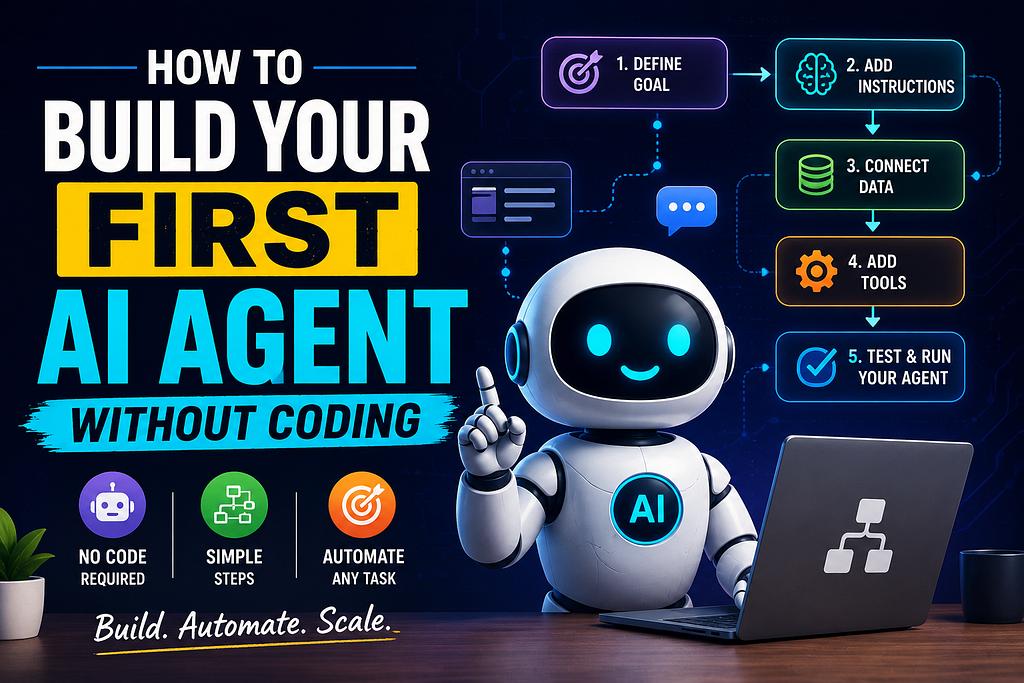
Imagine you could give an AI a goal instead of asking it one question.
Instead of “write me an email,” you could say: “Find the important emails from this week, summarize them, identify anything that needs a response, draft replies, and organize the results for me.”
That difference — a single question versus a goal handled in steps — is the basic idea behind an AI agent. And you don’t need to write a line of code to build one.
What Is an AI Agent, Actually?
Chatbot: you ask, it answers.
AI agent: you give it a goal, it works through the steps needed to reach it — often pulling in information or tools along the way — and hands you a finished result instead of a single reply.
What an agent can actually do depends on the platform you build it in. Some can only reason through a task and give you an answer. Others can connect to your inbox, spreadsheets, or other apps and take real steps. Don’t assume every agent can do everything — check what a platform actually supports before you rely on it.
The Simple AI Agent Formula
You can describe almost any agent with five parts:
Goal + Instructions + Context + Tools + Output
- Goal — what you actually want done. “Research 5 content ideas.”
- Instructions — the rules it should follow. “Focus on beginner-friendly topics.”
- Context — the background it needs. “My audience is freelance designers.”
- Tools — what it can use to get there. Web research, a connected spreadsheet, your documents.
- Output — the exact shape of the result. “Return a table with topic, audience problem, and article angle.”
That’s it. Once you can fill in those five blanks, you’ve basically designed an agent — the platform is just where you type it in.
How to Build One Without Coding
Step 1 — Choose one repetitive task. Not five. One. Researching topics, summarizing documents, sorting information, drafting emails, and building content briefs are all good starting candidates.
Step 2 — Define the goal clearly. “Help me with my content” is too vague for an agent to act on. “Generate 5 article ideas for beginner AI users and rank them by usefulness” is something it can actually execute.
Step 3 — Give it instructions. Tell it what to do, what to avoid, and what the finished output should look like. Vague instructions produce vague results — this is the step people skip most often.
Step 4 — Add context. An agent that knows your audience, your goal, and your constraints will consistently outperform one that’s just guessing. A sentence or two of context often matters more than a longer prompt.
Step 5 — Connect tools only when you need them. Most no-code AI platforms today — from custom GPT-style builders to visual automation tools like Zapier’s AI agents or Make — let you connect an agent to your email, documents, or other apps. Start with zero connections. Add one tool only once you actually need it; connecting everything on day one just adds points of failure to something you haven’t tested yet.
Step 6 — Test it, then review it. Your first version will be rough. That’s normal. Run it on a real task, check the output, and adjust the instructions based on what actually went wrong.
A Copy-and-Paste Example: Content Research Agent
Here’s a complete agent you can paste into any AI chat tool right now:
You are my content research agent. Your job is to identify 5 useful
article opportunities for [AUDIENCE] about [TOPIC].
For each opportunity, provide:
- Topic
- Target reader
- The specific problem it solves for them
- Likely search intent (what they're trying to find when searching this)
- A suggested headline
- Why this topic is worth writing, in one sentence
Focus on angles that aren't the most obvious, already-overdone take on
the topic. If you're not confident a claim is accurate, say so rather
than presenting it as fact.
Swap [AUDIENCE] and [TOPIC] for your own, and you have a working agent. The same shape — role, goal, clear output format, an instruction for handling uncertainty — adapts to almost any task.
Keep It Realistic
An AI agent is not magic. It can still get facts wrong, misread vague instructions, lose context, run into a tool that fails, or produce inconsistent results between runs. If you’re feeding it sensitive information, know what the platform actually does with that data before you paste it in.
This is why human-in-the-loop matters — meaning a person reviews the output before it’s used, sent, or published, rather than letting the agent act completely unsupervised. Treat your first agent as a fast first draft, not a finished decision-maker.
Three More Beginner Agent Ideas
- Content Research Agent — finds and organizes article ideas (the one above).
- Email Assistant Agent — sorts messages by priority and drafts replies for you to review, not send automatically.
- Social Media Agent — turns one article into platform-specific post drafts.
The Biggest Beginner Mistake
Don’t automate a broken workflow. If you don’t already understand the steps of a task well enough to do it manually, automating it just produces a faster, less-supervised version of a process you didn’t have clear in the first place. Do the task yourself first. Learn where the actual repetition is. Then automate that part.
Start Small
You don’t need a complicated multi-agent system for your first attempt. You need one small, repetitive problem solved reliably.
One goal. One workflow. One agent.
Build that, test it on something real this week, and improve it from there.
How to Build Your First AI Agent Without Coding was originally published in Bootcamp on Medium, where people are continuing the conversation by highlighting and responding to this story.

 点赞
点赞 收藏
收藏 点踩
点踩 分享
分享