Linked text and buttons in TerminalWidget

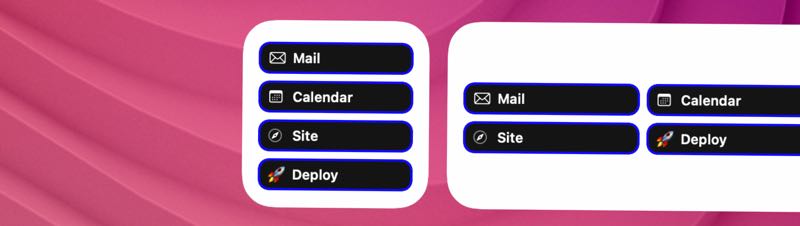
Widgets that just sit there and look pretty are fine. Widgets you can tap into are better. TerminalWidget now leans into that with markdown links in body text and table cells, plus a proper launcher button footer.
Credit where it’s due: this feature was inspired by scripting legend Rob Trew. I initially thought it wasn’t possible, but a little prod from them got things rolling.
By the way, TerminalWidget has spent a week in the #1 slot in Developer Tools on Mac and iOS!
Markdown links in text
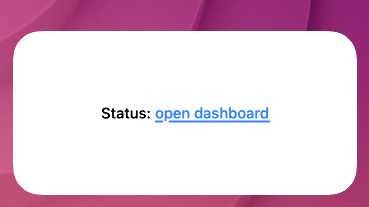
Pass Markdown-style links in --text (or JSON text) and they render as tappable labels on macOS and iOS:
terminal-widget --target widget1 \
  --text 'Status: [open dashboard](https://example.com/dash)'
URLs need a scheme (https://, mailto:, and custom handlers). Broken or schemeless markup stays literal, so you are not stuck with half-parsed junk. Tap the link to open it; tap elsewhere and the usual whole-widget --action-kind still fires.
One small gotcha: --fit-text backs off when links are present so hit targets stay usable.
Links in table cells too
Tables get the same treatment. CSV, TSV, and JSON cells — headers included — parse [label](url) the same way --text does:
terminal-widget --target widget1 --table