Best Thunderbolt and USB-C docking stations for your MacBook 2026

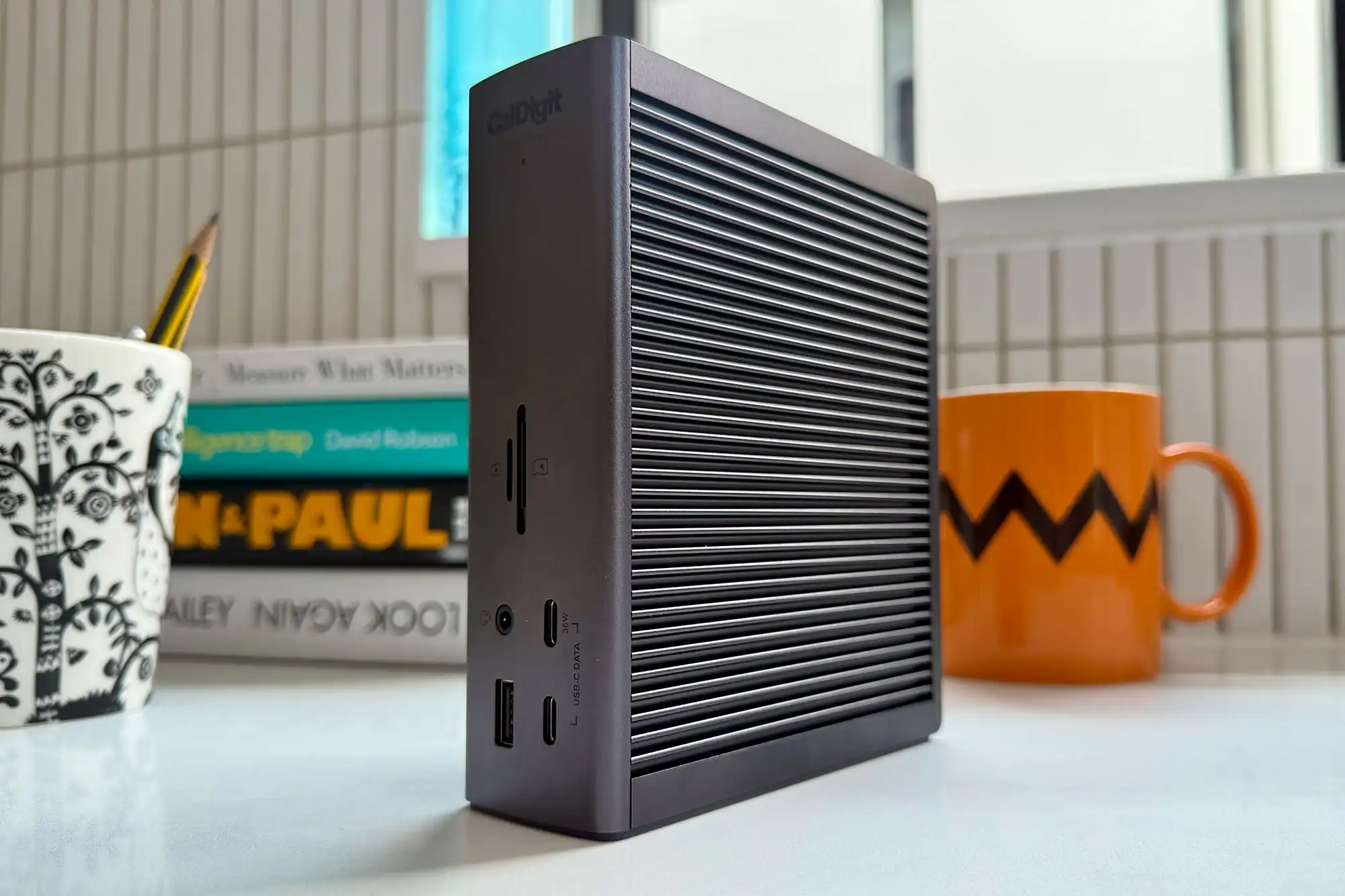

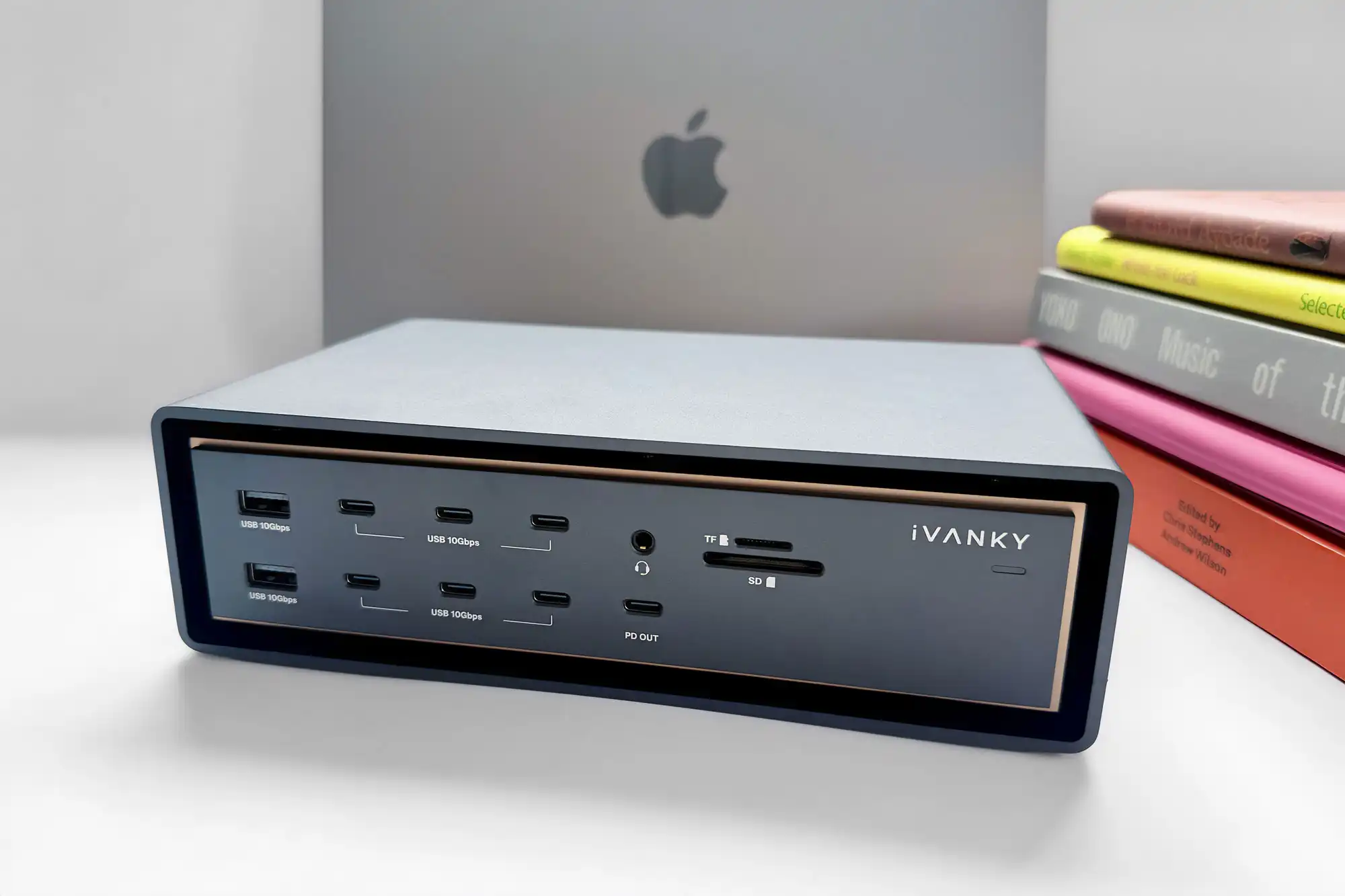
Plug your MacBook in and out of a multi-port laptop docking station to swiftly add multiple devices and external displays with just one cable connection to your laptop. We tested the top contenders to find the best Thunderbolt and USB-C docks available to owners of the MacBook Air and MacBook Pro. MacBook Neo users can use any of these docks but are limited to a 10Gbps bandwidth and some display limitations.
Thunderbolt, USB4 or USB-C
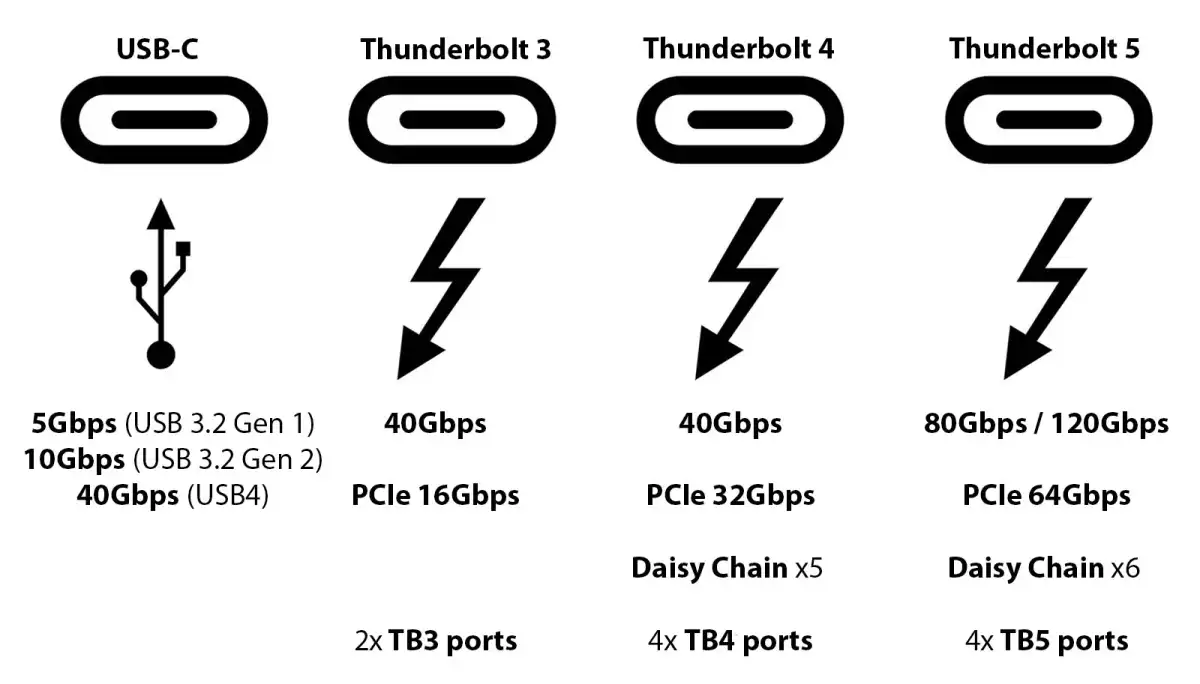
The connectors all look the same (technically known as a “Type-C connector”), but there are significant differences, particularly on speed that will determine both data-transfer rate and higher external display refresh rates.
- USB-C: 5Gbps or 10Gbps
- USB4: 20Gbps or 40Gbps
- Thunderbolt 3 and 4: 40Gbps
- Thunderbolt 5: 80Gbps / 120Gbps
Our list Which ports does my MacBook have will show you how many USB-C or more likely one of Thunderbolt 3, 4 or 5 that you have.
While a Thunderbolt 4 (TB4) dock will be enough for most casual users, if you can stretch the budget go for a TB5 dock as it will remain current for years, saving you money in the long term, and is backwards compatible with earlier versions and all the way back to USB-C. High-end professionals should always aim for Thunderbolt 5.
The dock needs one (“upstream“) Thunderbolt or USB-C port for connecting to and charging your laptop (although all recent MacBooks can also power via the MagSafe 3 port), and at least another (“downstream“) to attach further devices (hard drives, external display, and others).
The USB-C MacBook Neo has just the one data port, with the other reserved for charging. A dock with Power Delivery will greatly expand the entry-level Mac laptop.
For more detail, read our Thunderbolt 5 vs Thunderbolt 4 vs Thunderbolt 3 vs USB4 explainer.
Add external displays to your MacBook
If you use your laptop as your principal computer, attaching at least one larger display to create a hybrid desktop/laptop setup, with a keyboard and mouse, will boost your…

 点赞
点赞 收藏
收藏 点踩
点踩 分享
分享