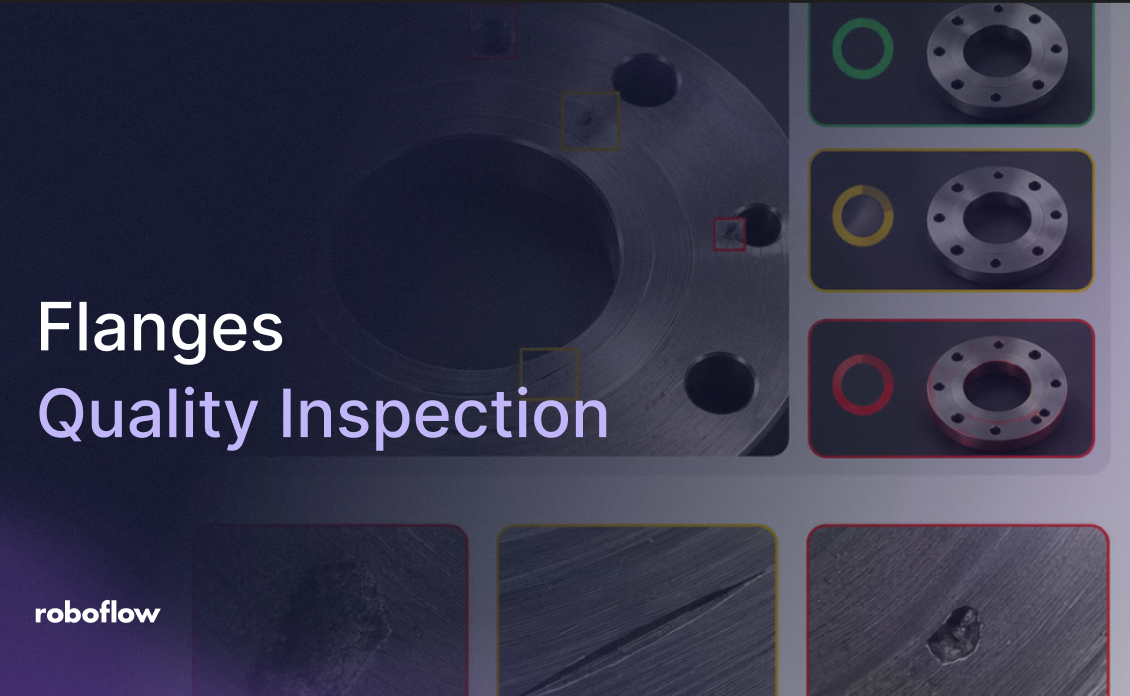
Flanges Quality Inspection with Computer Vision

SUMMARY
Automate flange quality inspection by training RF-DETR on a labeled flange defect dataset, then wiring it into a Roboflow Workflow that detects cracks, scratches, dents, and pinholes and classifies each image as pass, review, or fail by confidence. Every inspection logs to Vision Events, a Gemini block turns the annotated result into a short operator recommendation, and REVIEW cases feed back into training so manual checks shrink over time.
For flanges, missed cracks, scratches, dents, or corrosion on the sealing face can lead to leaks and expensive downtime. Since these defects are visible on the part itself, computer vision can detect them before the flange is installed.
In this tutorial, you'll train an object detection model with Roboflow using a labeled flange face dataset, then deploy it in a Workflow that classifies each inspection as pass, review, or fail.
By the end, you'll have a complete inspection pipeline that detects defects, highlights their locations, and returns a clear inspection result with recommendations.
How to Automate Flanges Quality Inspection with Vision AI
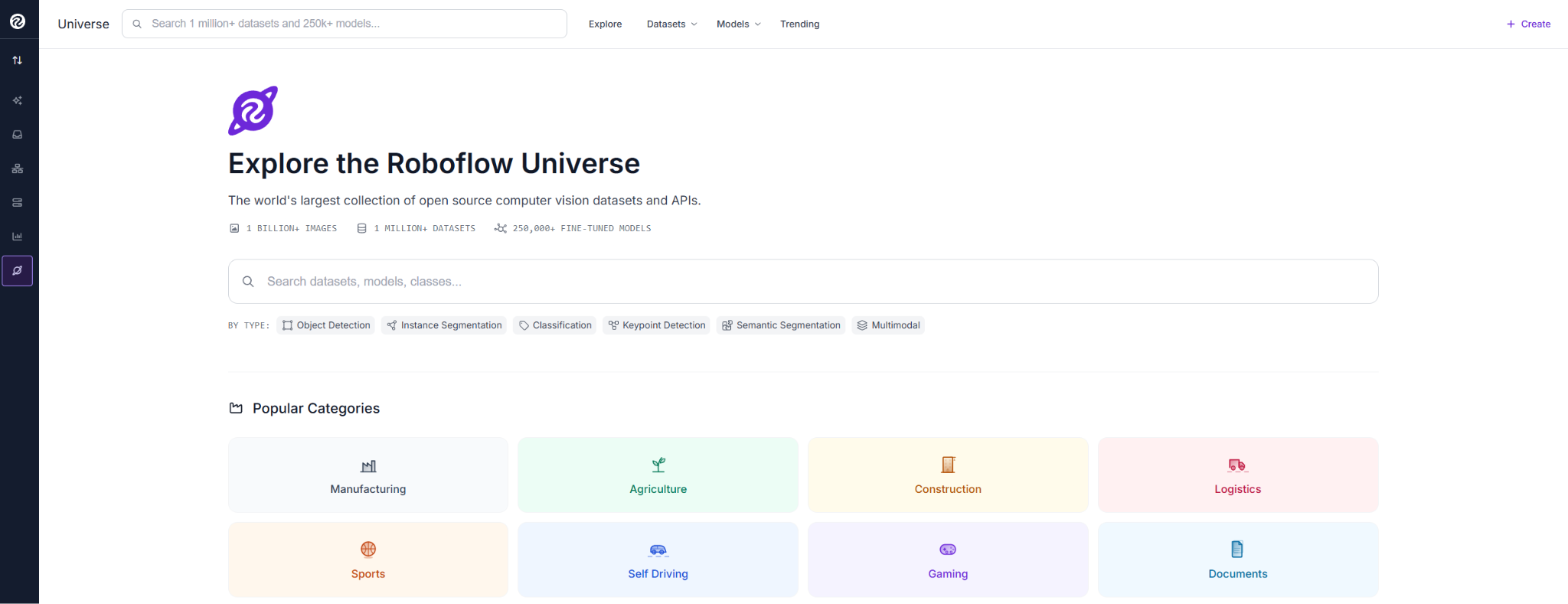
We'll start on Roboflow Universe, a large open-source hub for computer vision datasets and models.
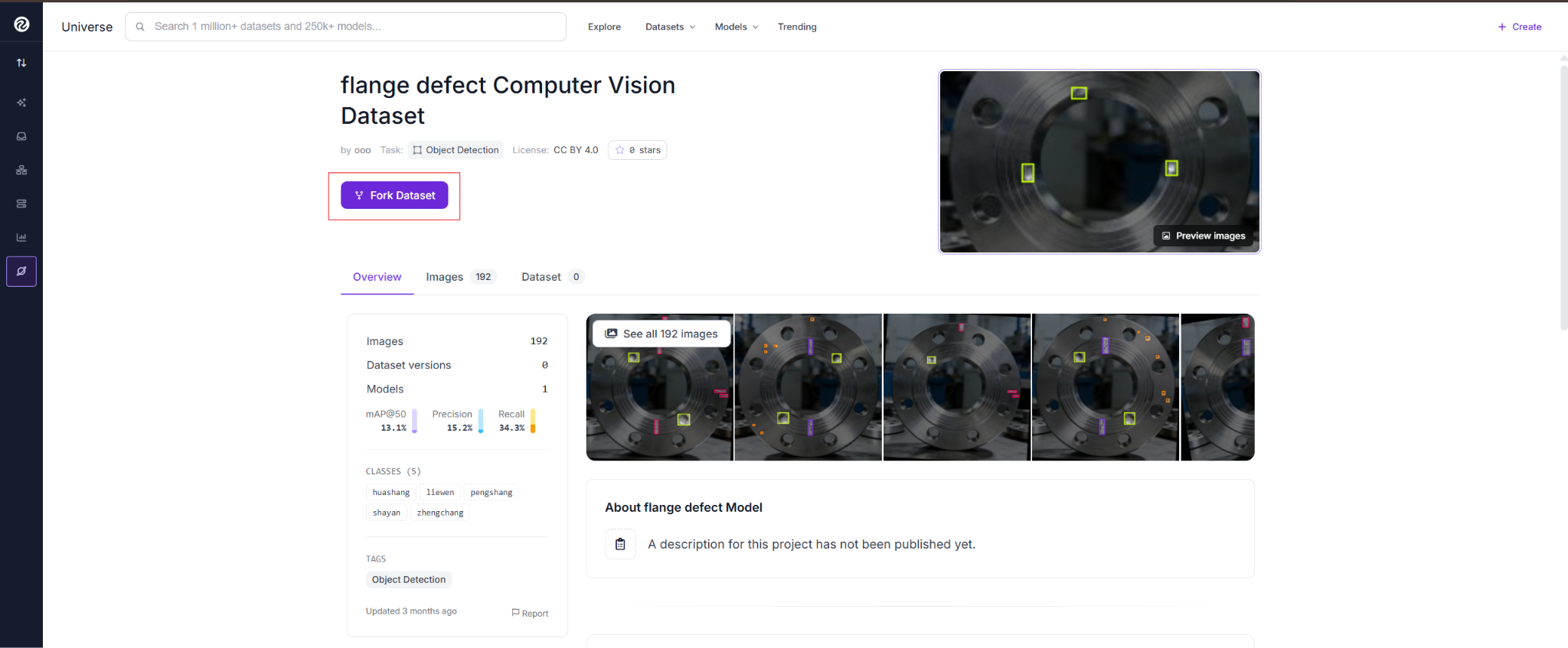
Search for a flange defect dataset and explore the available options. This one contains flange images across five classes: scratches, cracks, dents, pinholes, and normal surfaces.
Check the class distribution before forking, as limited examples can affect training.
With the dataset forked, generate your version and start training the model.
Train RF-DETR
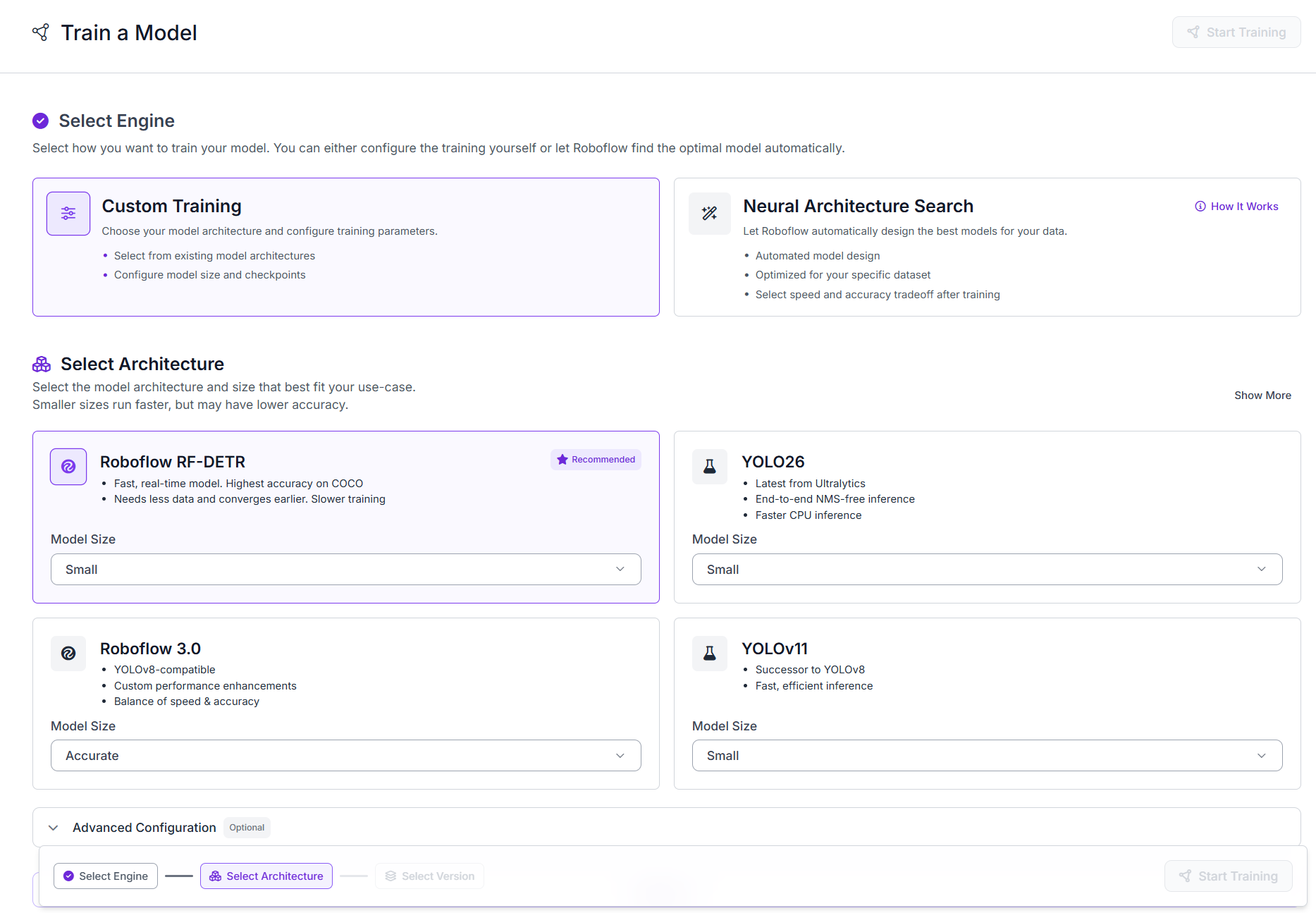
In your forked project, go to Train a Model. Roboflow offers two paths here: Custom Training, where you pick the architecture and configure it yourself, or Neural Architecture Search, which designs a model automatically. Select Custom Training.
Under Select Architecture, choose Roboflow RF-DETR (Small).
Under Augmentation, keep the default settings: Flip, 90° Rotate, Rotation (±15°), Shear (±10°), and Brightness (±15%)…

 点赞
点赞 收藏
收藏 点踩
点踩 分享
分享