
Apple’s Touch MacBook Pro Eases Users Into a Big Change: Hands-On
'%20fill-opacity='.8'%20d='M3.256%203.913a3.083%203.083%200%200%200-.003%204.397L8%2012.998l4.743-4.684a3.085%203.085%200%200%200%20.001-4.4c-.6-.593-1.4-.914-2.233-.914a3.17%203.17%200%200%200-1.91.635L8%204.087l-.601-.452A3.17%203.17%200%200%200%205.489%203c-.834%200-1.634.321-2.233.913m10.19%205.111-4.748%204.69a.996.996%200%200%201-1.397%200L2.549%209.02a4.083%204.083%200%200%201%20.004-5.82A4.17%204.17%200%200%201%205.488%202c.907%200%201.787.29%202.512.835A4.17%204.17%200%200%201%2010.51%202c1.093%200%202.146.422%202.936%201.202a4.085%204.085%200%200%201%200%205.822'%20/%3e%3c/svg%3e)
'%20stroke-opacity='.75'%20stroke-width='1.5'%20stroke-linejoin='round'/%3e%3c/svg%3e)

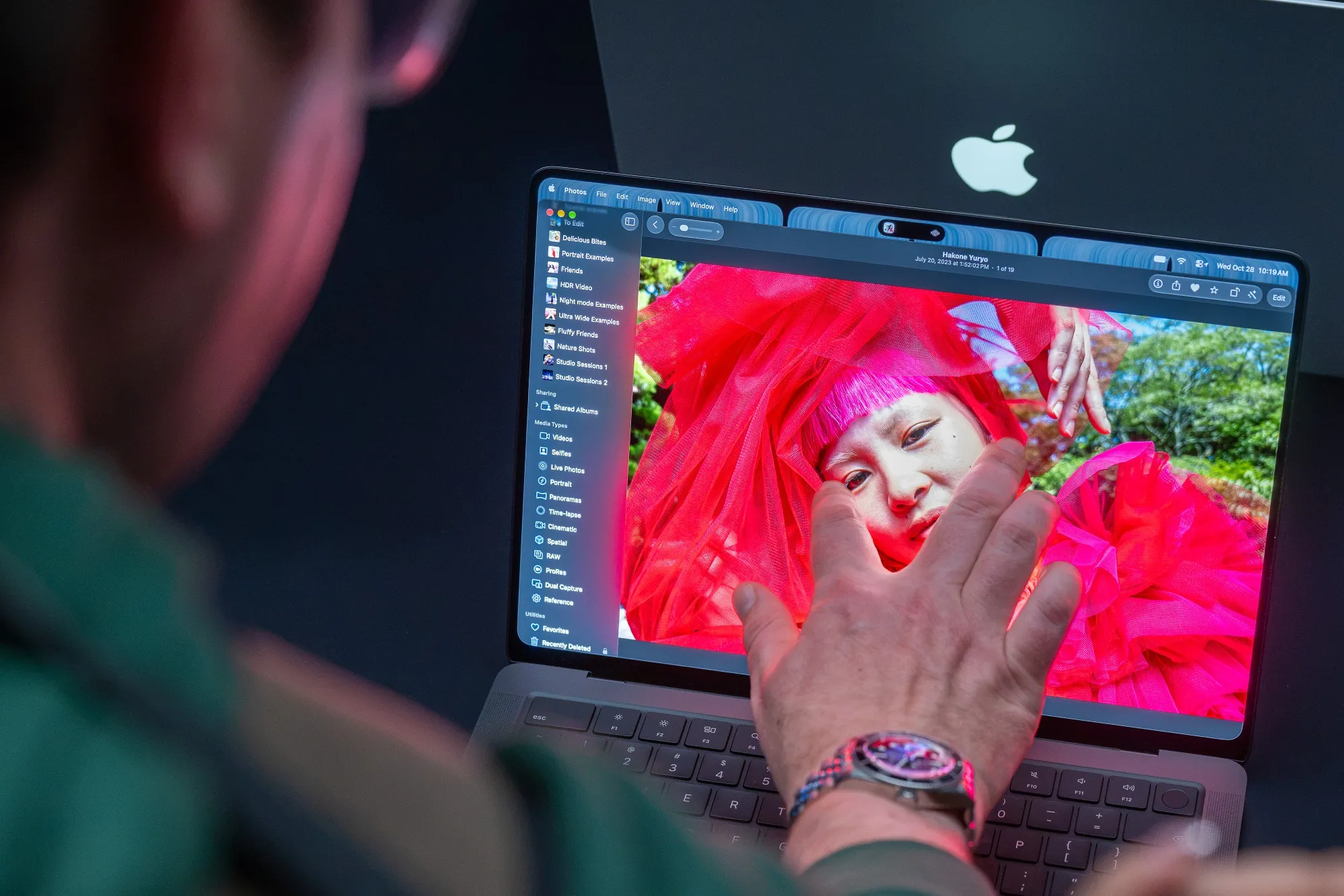
When buyers of Apple Inc.’s new MacBook Pro receive the company’s first touch-screen laptop, they won’t need to unlearn any habits to use it. The machine has a vivid organic light emitting diode screen — another first for the lineup — and has shaved off a noticeable amount of weight. And anyone who was worried Apple would make radical changes to its macOS operating system in the name of a more finger-friendly experience can breathe easy.
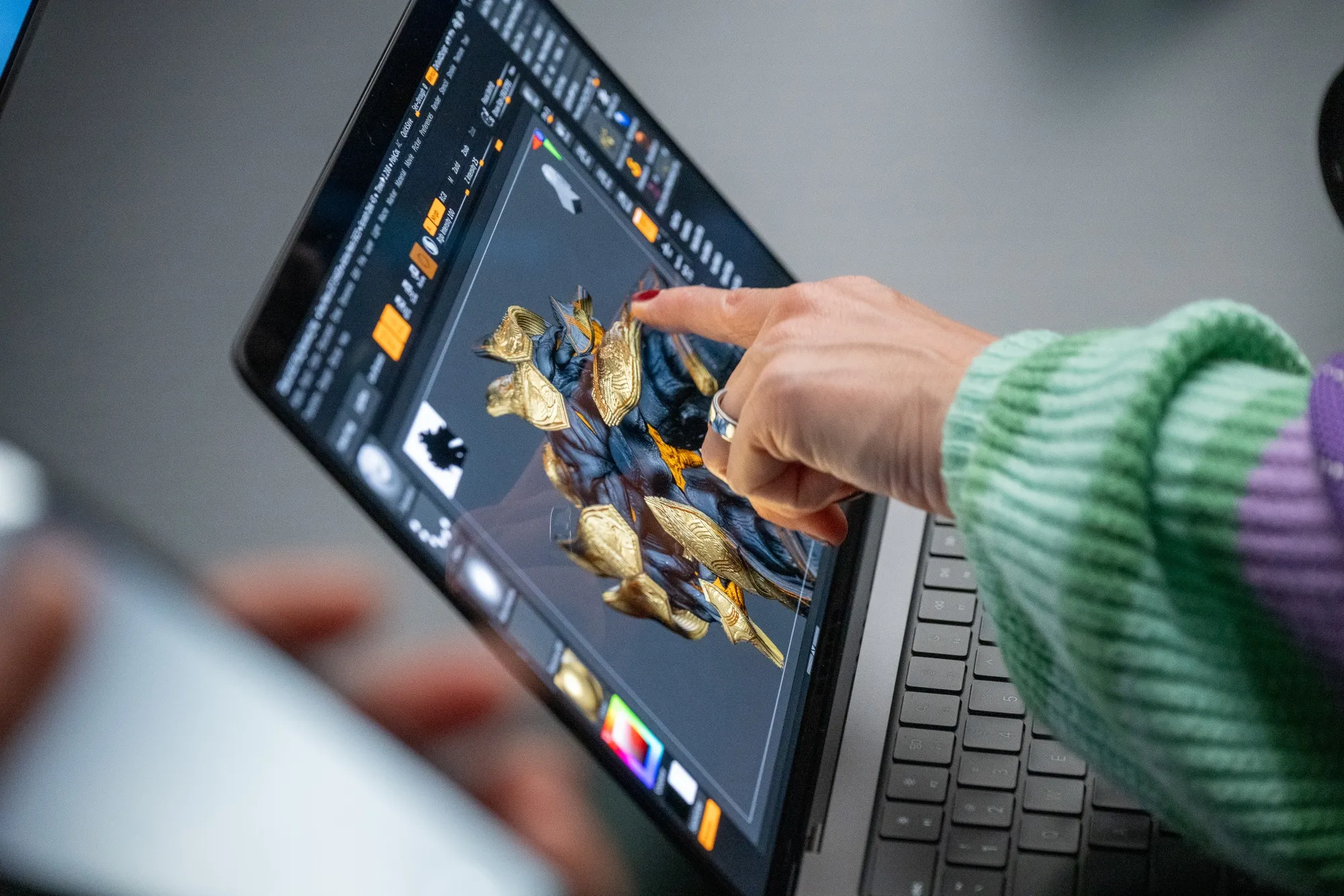
A hands-on preview of the clumsily named “MacBook Pro PROLED XDR Display,” which ships Nov. 6 for $2,899 and up, convinced me that there are no sweeping changes coming to the Mac as a result of the touch screen. Apple isn’t trading the elegance and precision of its desktop OS for comically sized touch targets. Yes, you can now control it with multi-finger gestures, but the MacBook Pro doesn’t suddenly feel more akin to an iPad.
After the company’s launch event on Wednesday in Los Angeles, I spent time swiping and scrolling on the new high-end laptop, and my takeaway is that Apple is taking a measured approach as it introduces touch capabilities.
The clunkiest aspect of using macOS with your fingers are the “stoplight” controls at the upper left of every window. At their normal scale, these essential buttons would be too tiny to accurately tap with an index finger, so Apple briefly enlarges the three circles to make life easier and prevent you from minimizing an app when you actually wanted to make it larger, or vice versa. But this animation is a bit sluggish, and the overall implementation didn’t feel particularly graceful in my early tests. Still, I can’t say whether it will actually slow me down until I do further testing.
Other tweaks to the software are more thoughtful. Whenever you’re touching the screen, macOS automatically adds more spacing between items in vertical menus so they’re easier to tap without added effort. But if you’re sticking to the trackpad or a wireless mouse, everything appears exactly as it normally would. At the most basic level, touches are automatically translated into mouse clicks, which should avoid any software compatibility issues.
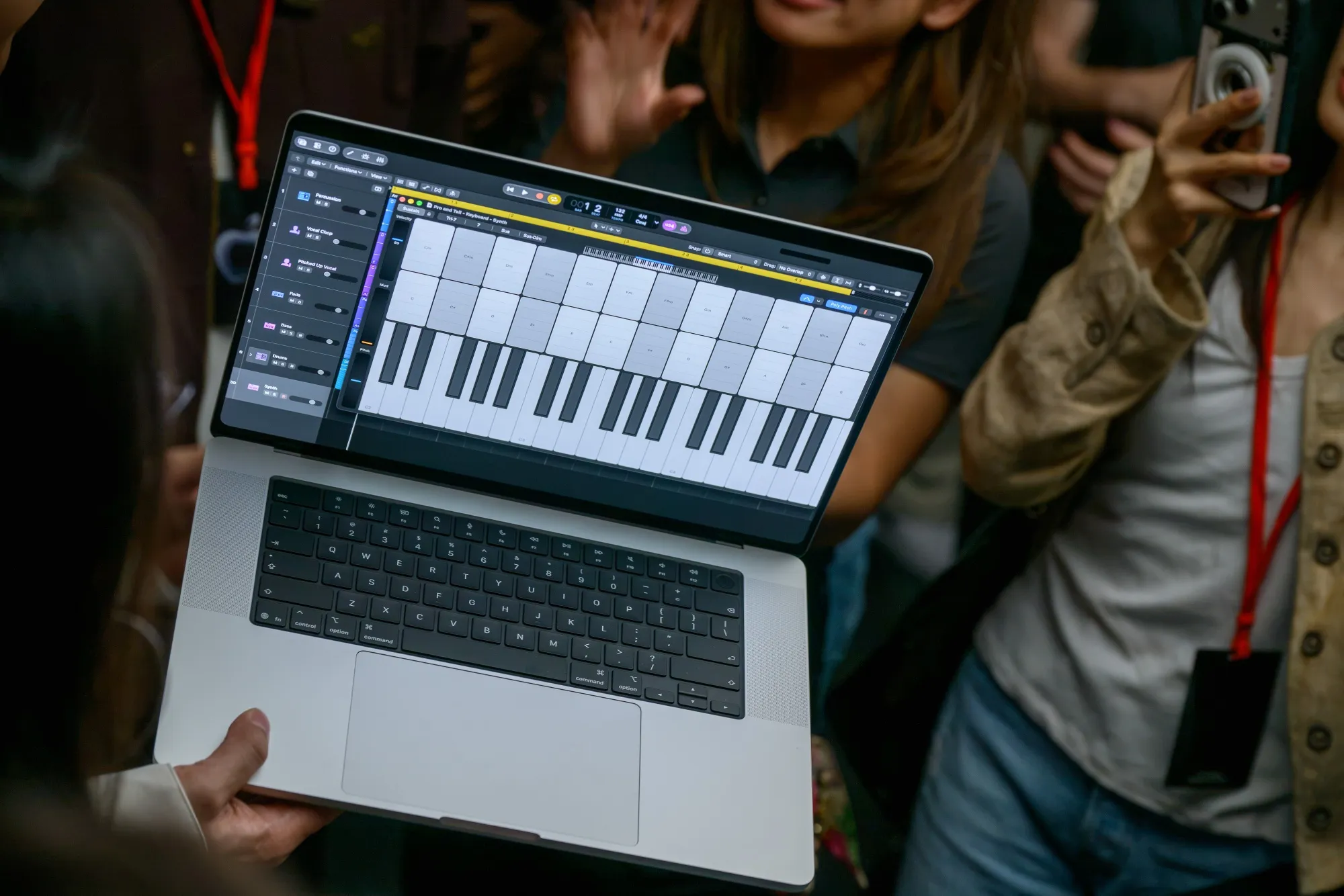
Apple doesn’t expect most people to suddenly convert to touch-screen controls for the bulk of their computing, so I appreciate this intentional approach of sprinkling in subtle enhancements whenever it’s being used, while otherwise keeping things familiar. I’m eager to manipulate and retouch my photos in a more hands-on way, or try video editing by dragging clips around the timeline. But let’s be realistic: I’m likely to ignore the MacBook Pro’s newfound touch powers much of the time.
Everyday gestures like pinch-to-zoom and drag and drop were smooth and responsive on the MacBook Pro, which has a touch sensor built directly into the OLED panel instead of layered on top of it, as is the case with touch-enabled Windows laptops. You can double tap a window to have it fill the screen or flick an app toward the edge of the screen to anchor it in place for side-by-side multitasking.
The touch screen vastly improves iPhone Mirroring since you can now tap and swipe just as you would on your actual phone. Similarly, software developers can preview their iOS and iPadOS apps in a way that’s more faithful to the intended user experience.
An Apple employee answering press questions at Wednesday’s event said the company is only getting started optimizing macOS for a touch screen. I’d expect a slew of refinements to arrive alongside macOS 28 next year, much in the way the iPhone Duo’s user experience will inevitably evolve with iOS 28.
The new MacBook Pro was met with harsh reactions from some people on social media, who seem to believe that Apple has lost sight of what customers want and is shoehorning a touch screen into its laptops just for the sake of it — or as a reason to charge a $400 premium. But these critiques quickly fall apart.
For one, most of the added cost likely stems from the device’s dual-layer “tandem” OLED display, which offers perfect black levels and a peak brightness of 2,000 nits, all while maintaining the color accuracy that photographers and videographers demand from the MacBook Pro series. Each panel goes through a comprehensive factory calibration to help ensure uniformity across the entire 14- or 16-inch screen. Such methodical hardware production can’t be cheap.
I’ll be monitoring how consistent these displays are in the real world once the new MacBook Pro begins shipping. OLED TV buyers might be familiar with the so-called “panel lottery,” where some displays can appear flawless while others might have a pink or green tint in some areas of the panel. People can get neurotic about OLED uniformity with an $800 smartphone, so I’d expect the MacBook Pro to receive far greater scrutiny.
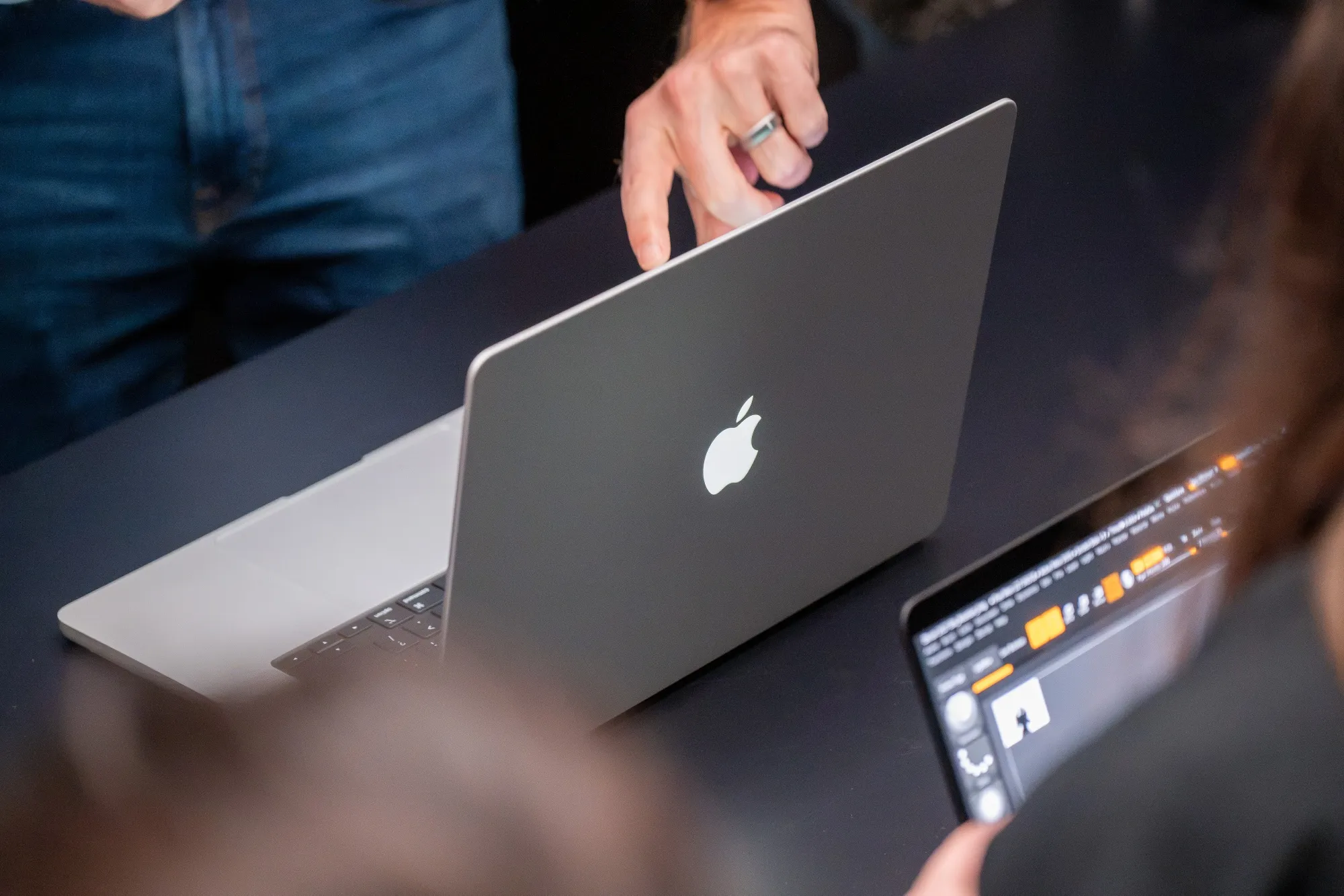
The MacBook Pro’s reduced weight across both sizes is immediately obvious. The thinner case and slimmer display bezels are subtler upgrades. I do wish, though, that Apple had used this opportunity to bring Face ID to its laptops. The continued absence of a MacBook with cellular data stands out too, given the company has otherwise building its own modems into more devices.
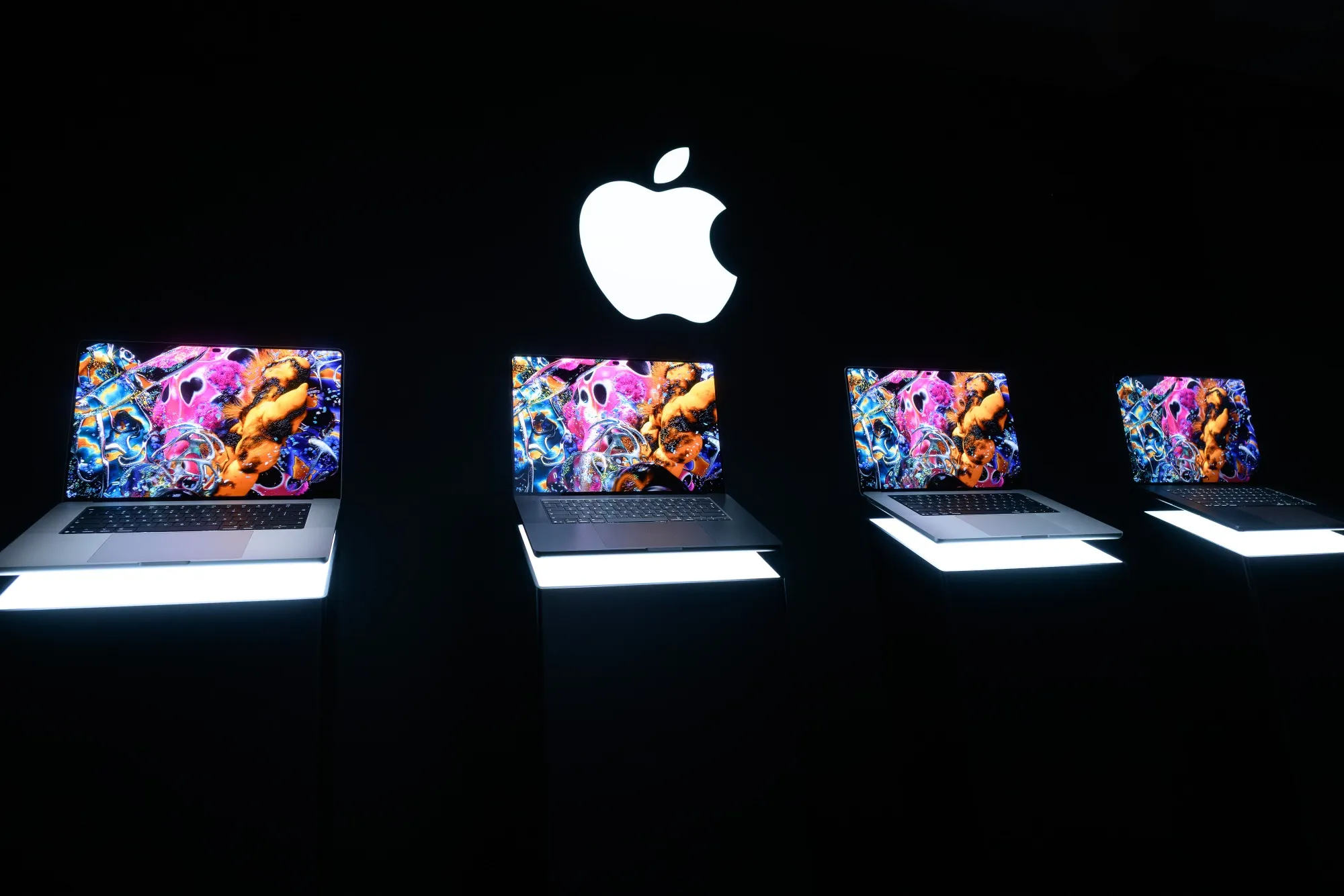
The MacBook Pro with PROLED XDR Display might be Apple’s first touch-screen laptop, but it’s best to view the finger-friendly panel as just another tool in the powerful machine’s arsenal. It’s there when helpful, but even if you rarely bother, I suspect the OLED screen alone will convince some people it’s a worthwhile purchase — if they can get past the rich asking price.