MapQuest Is Back, And Now It Can Show Drivers Where Flock Cameras Are Located

Remember MapQuest? The navigation service that helped millions of drivers find their way around long before Google Maps became the default choice is making headlines again, this time with a feature that could appeal to privacy-conscious motorists.
MapQuest has introduced a new Surveillance Layer that displays the reported locations of automated license plate readers and other outdoor surveillance cameras. That includes devices operated by Flock Safety, a company whose technology has attracted growing scrutiny over privacy concerns.
The feature allows drivers to see where known surveillance cameras are positioned along roads and in surrounding neighborhoods. While it won’t stop cameras from recording passing vehicles, it could help motorists make more informed decisions about their routes.
Announcing the update on Bluesky, MapQuest used the tagline “The Roads Have Eyes!” The company also confirmed that the feature covers equipment from several surveillance technology providers, not just Flock.
MapQuest Doesn’t Just Show Flock Cameras
The Roads Have Eyes! Turn on the Surveillance Layer in Map Options to see known license plate readers from Flock Safety, Motorola Solutions (Vigilant), Genetec, Axis Communications, Axon, Leonardo (ELSAG), Neology, Rekor, PlateSmart, Ubicquia, Verkada, and other outdoor surveillance cameras. [image or embed] — MapQuest (@mapquest.com) October 16, 2026 at 12:49 AM
The new Surveillance Layer includes known license plate readers from Flock Safety, Motorola Solutions’ Vigilant system, Genetec, Axis Communications, Axon, Leonardo’s ELSAG, Neology, Rekor, PlateSmart, Ubicquia, and Verkada. Other outdoor surveillance cameras may also appear on the map.
The information comes from OpenStreetMap, a community-maintained mapping database. This means the locations depend on publicly contributed information rather than a comprehensive official database of surveillance equipment.
As a result, the feature shouldn’t be treated as a guarantee that every camera in an area has been identified. An unmarked road could still have surveillance equipment operating nearby.
How To Enable The Surveillance Layer
Accessing the feature is straightforward, provided you’re using the MapQuest mobile app. Open the map, select the Layers or Map Options icon, and enable the Surveillance option.
Known cameras will then appear as eye-shaped markers on the map, making them easier to identify while planning a journey. The layer sits alongside familiar mapping options such as traffic and incident information.
The feature doesn’t automatically reroute drivers around cameras or make vehicles invisible to surveillance systems. Instead, it provides additional information that users can consider when choosing where to drive.
Why Flock Cameras Are So Controversial
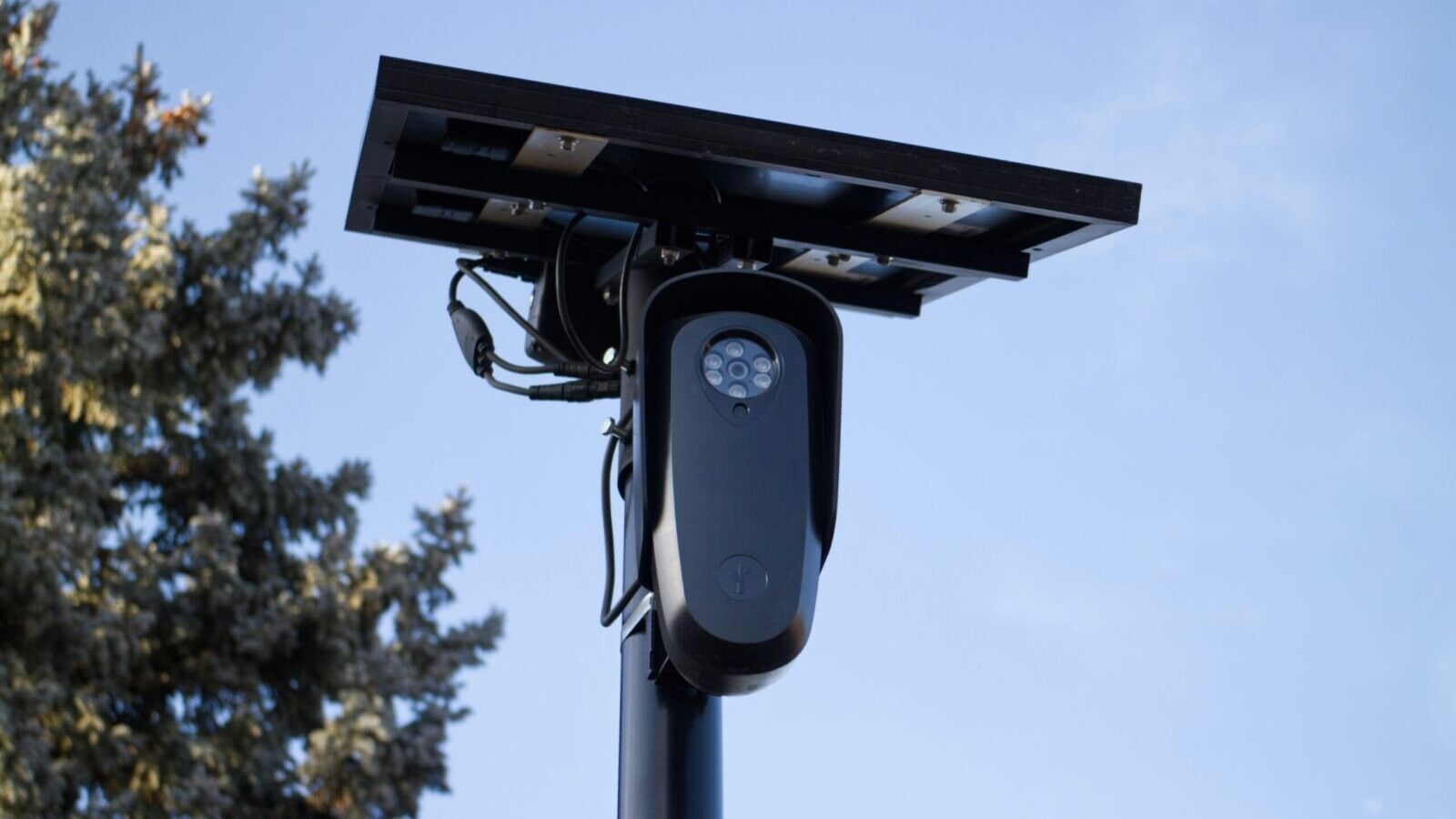
Flock Safety’s automated license plate readers capture information about passing vehicles, including license plate numbers, locations, and timestamps. Law enforcement agencies use the technology to investigate crimes, identify vehicles of interest, and assist in locating missing people.
However, critics have raised concerns about how extensively these systems track ordinary drivers and who can access the information they collect. Allegations of improper searches and misuse by law enforcement personnel have added to the controversy.
Supporters argue that license plate readers are valuable public-safety tools, while privacy advocates question whether the benefits justify collecting detailed records of vehicle movements. MapQuest’s update arrives as that debate continues across the United States.
An Unexpected Comeback For MapQuest
Launched in 1996, MapQuest was once one of the biggest names in online navigation before Google Maps and other competitors overtook it. The service has continued operating and recently introduced additional features, including Android Auto support and public transit directions.
Its new surveillance feature gives drivers something they won’t typically find in mainstream navigation apps. For anyone curious about the cameras watching their daily commute, MapQuest now offers an interesting way to find out.

 点赞
点赞 收藏
收藏 点踩
点踩 分享
分享