Apple's Notes app got more upgrades with iOS 27 including one that you won't see in many other apps

Apple’s Notes app has steadily become much more useful over the years, and iOS 27 has added several new tricks that could make it even harder to ignore.
The latest update brings better ways to organize your notes, work with text and even use Apple’s new Siri AI.
But one particularly clever feature is tucked away in the app and could be a game-changer if you regularly create very long notes.
And you probably didn’t even think you needed it until now.
Apple’s Notes app can now link to specific sections
The new gadget feature for iOS 27 is called section links for Apple’s Notes app, and it does exactly what it sounds like.
Instead of simply linking to another note or webpage, you can now create a link that takes you directly to a specific section of a note.
To do it, select some text in a note, open the editing menu, and choose ‘Add Link’.
You’ll then see a new ‘Link to Section’ option that brings up a list of all the headings and subheadings in that note.
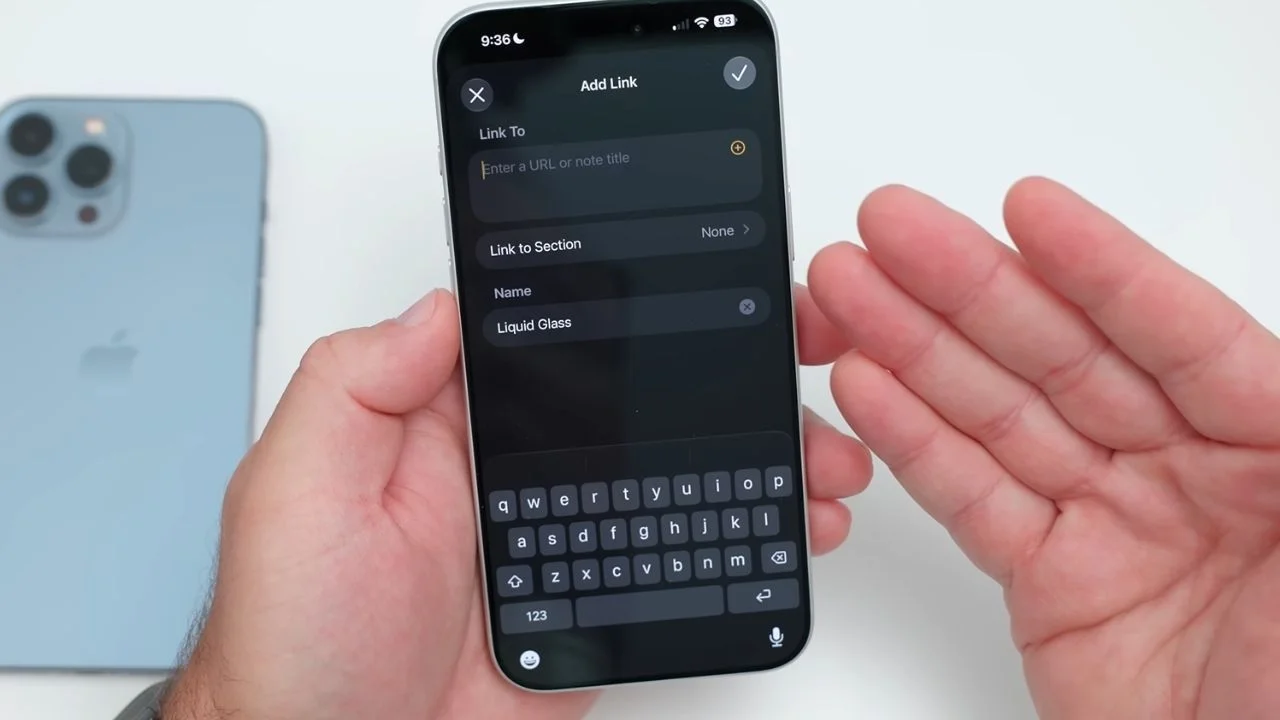
Choose one and Apple Notes creates a direct link to that section.
You can use the section’s existing heading as the link text, or write your own, meaning you can get pretty creative with how you organize things.
It’s particularly handy if you’re dealing with a massive note containing lots of different pieces of information.
For example, you could create a table of contents at the top of a note with links to each section, turning what was once a giant wall of text into something much easier to navigate.
It’s the sort of feature that most people probably won’t need every day, but anyone who lives inside Apple Notes could find it extremely useful.
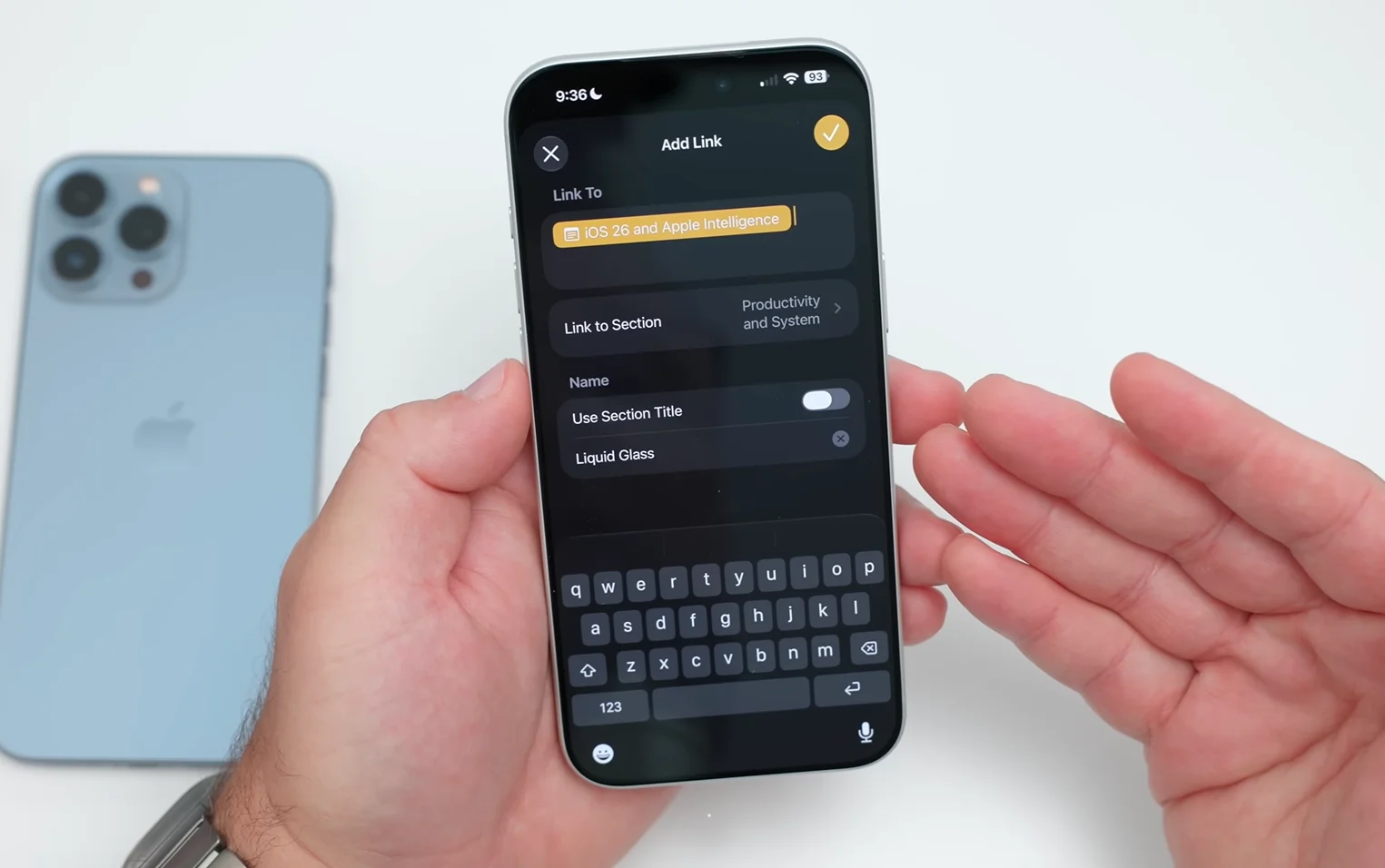
There are plenty of other new tricks too
Section links aren’t the only Notes upgrade arriving with iOS 27, and in this video from zollotech, we get to see some of them in action.
Apple has also added divider lines, giving users another simple way to break up large notes and make them easier to scan.
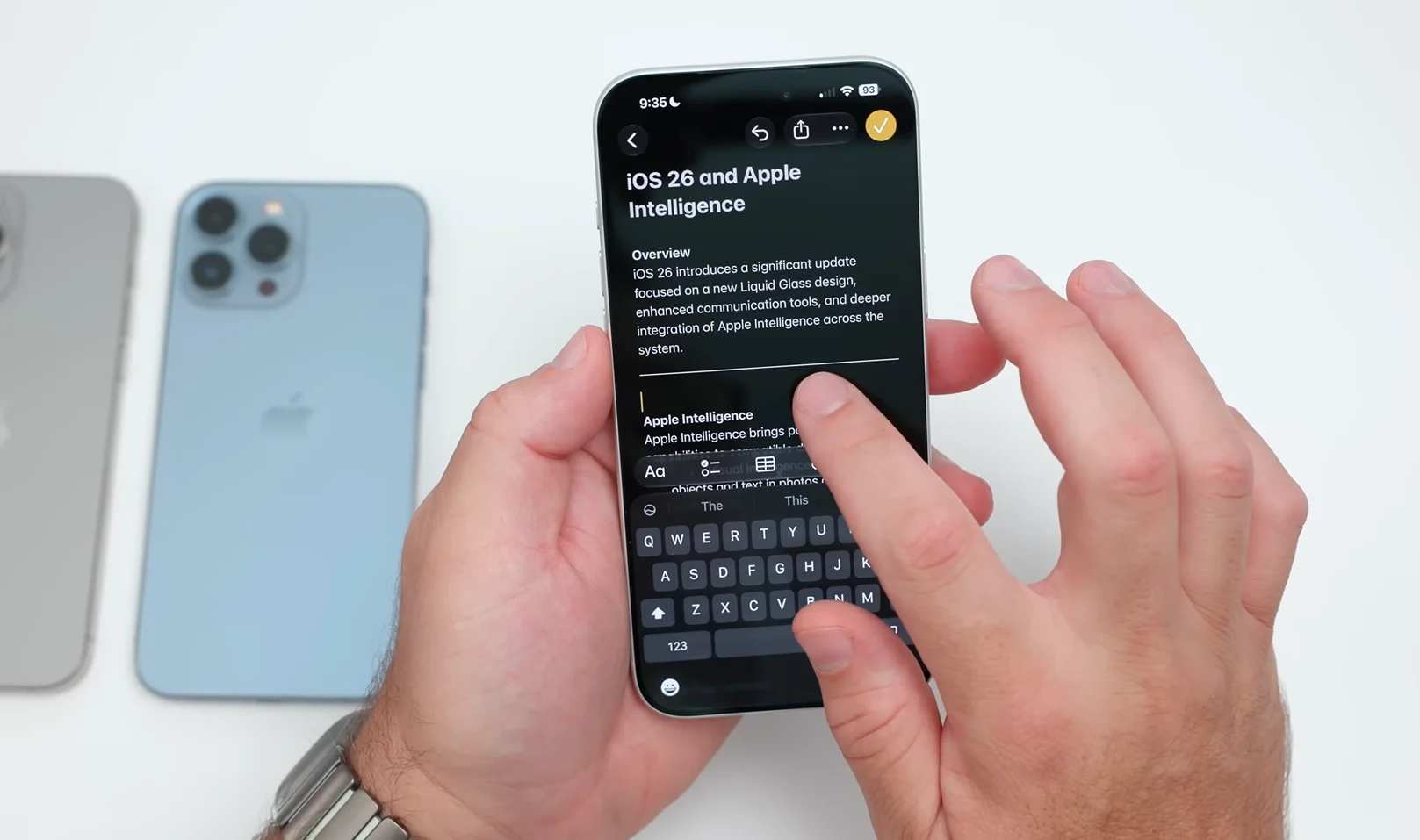
The app has also become much friendlier to Markdown.
If you paste Markdown-formatted text into a note, it can now automatically turn it into rich text, while a new ‘Copy as Markdown’ option lets you take text from a note and copy it in that format.
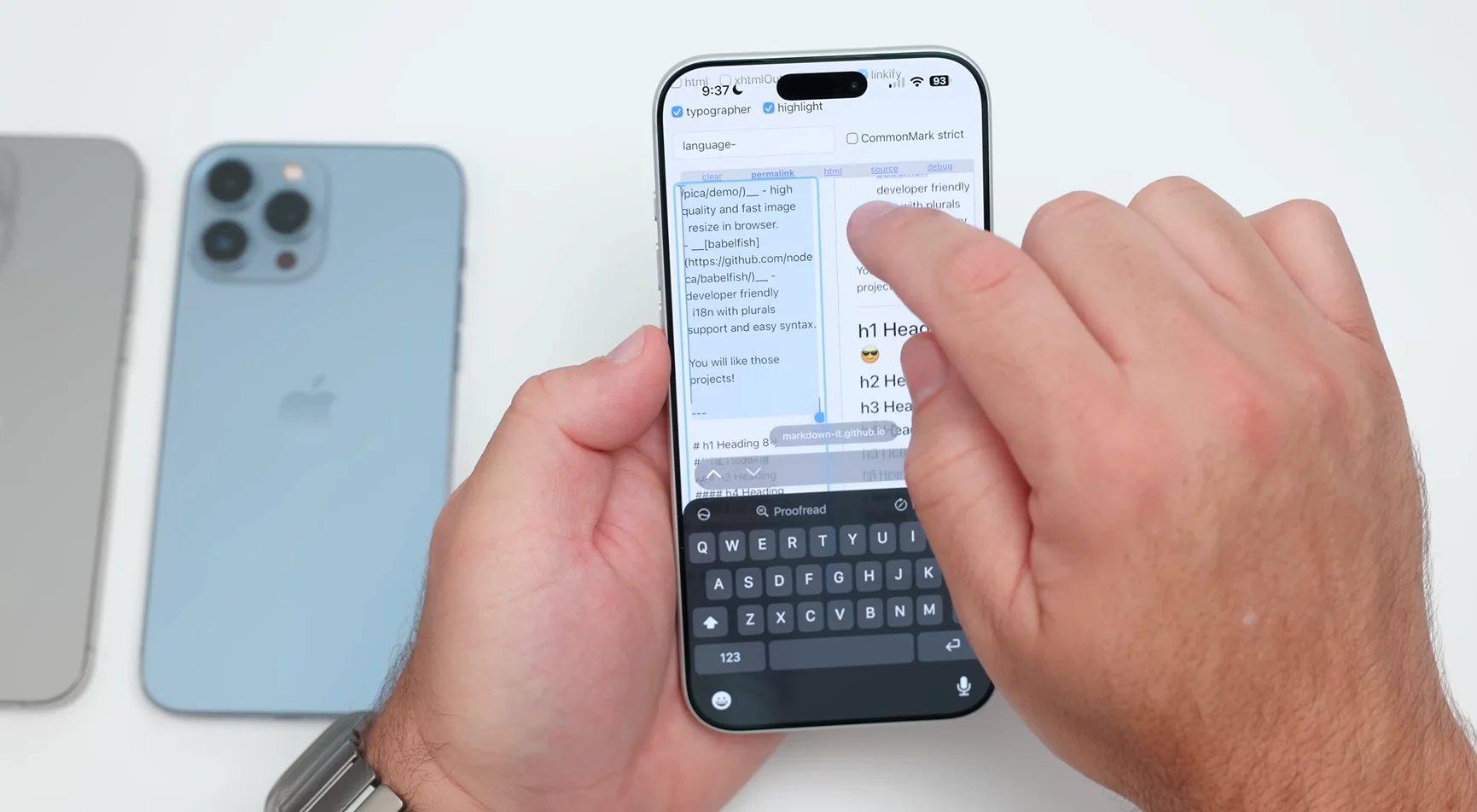
That’s particularly useful for writers and anyone who regularly moves content between different apps.
Then there’s Siri AI.
Apple’s new Siri can interact with Notes in a much more useful way, including adding information to a new or existing note, you can even ask Siri to take information and reformat it before adding it to a note.
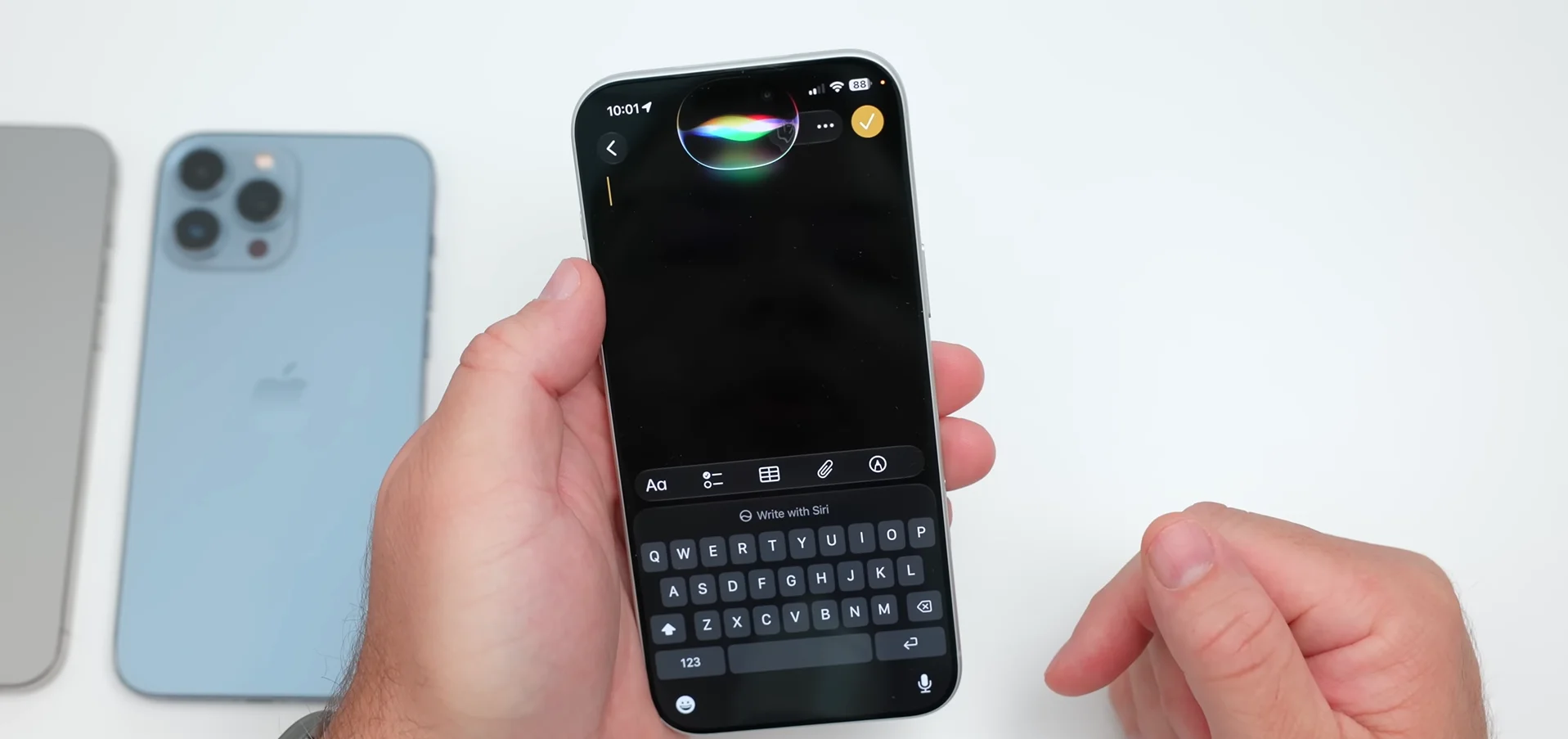
Notes also benefits from upgrades to Image Playground, including Apple’s newer image-generation capabilities.
So while iOS 27 might not have completely reinvented Apple Notes, it has given the humble app quite a few new tricks.
For those people who have years’ worth of shopping lists, gift ideas, and vacation plans stacked up in their Notes App, being able to sort them on such a granular level might be the nicest gift of all from Apple.

 点赞
点赞 收藏
收藏 点踩
点踩 分享
分享