Where are my iCloud files?

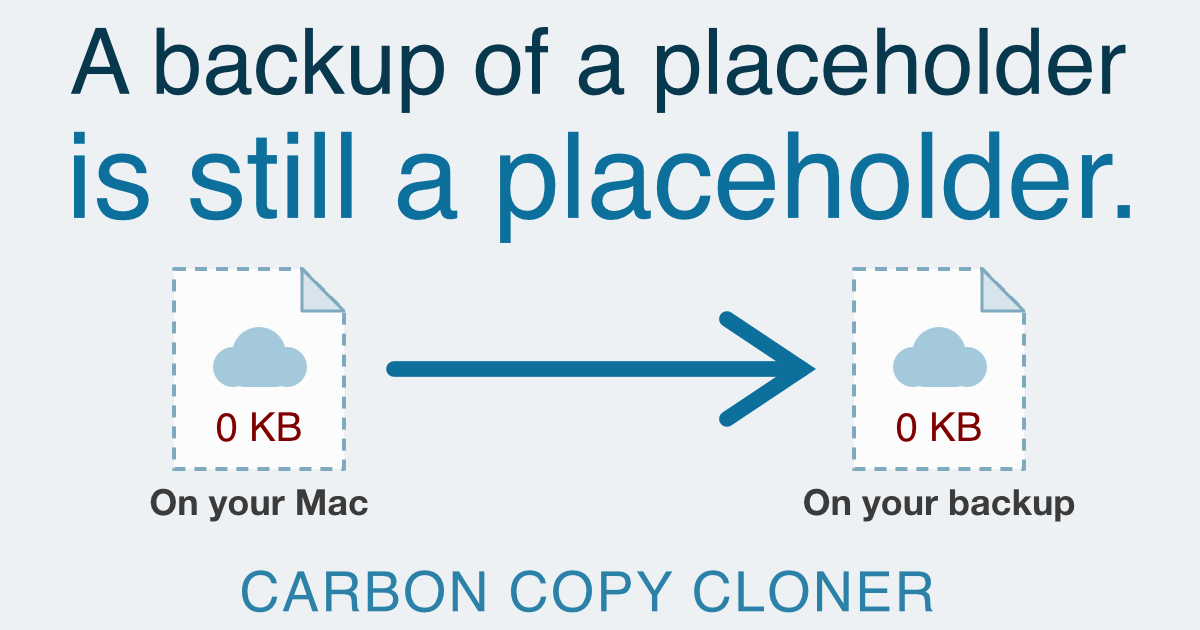
You go looking for a file on your backup disk (a Pages document, a folder from Dropbox, that scan you filed away in iCloud Drive months ago) and it's nowhere to be found. The backup ran and it said it succeeded. So where did the file go?
Nine times out of ten, nothing is missing. The file is on the backup disk, just not where the Finder taught you to look for it. But be careful: depending on your setup, it's possible the files were not fully on your Mac to begin with. Let's untangle both scenarios.
TL;DR
Cloud files aren't stored where the Finder shows them — they live in your hidden Library folder, so you have to unhide it to find them on a backup disk. Separately, any file marked "online only" exists on your Mac as an empty 0-byte placeholder, and an empty placeholder is all a normal backup can copy. To get the real data, set up a task with Cloud Storage as its source, pointed at its own destination volume.

 点赞
点赞 收藏
收藏 点踩
点踩 分享
分享