Simplified Pico VGA

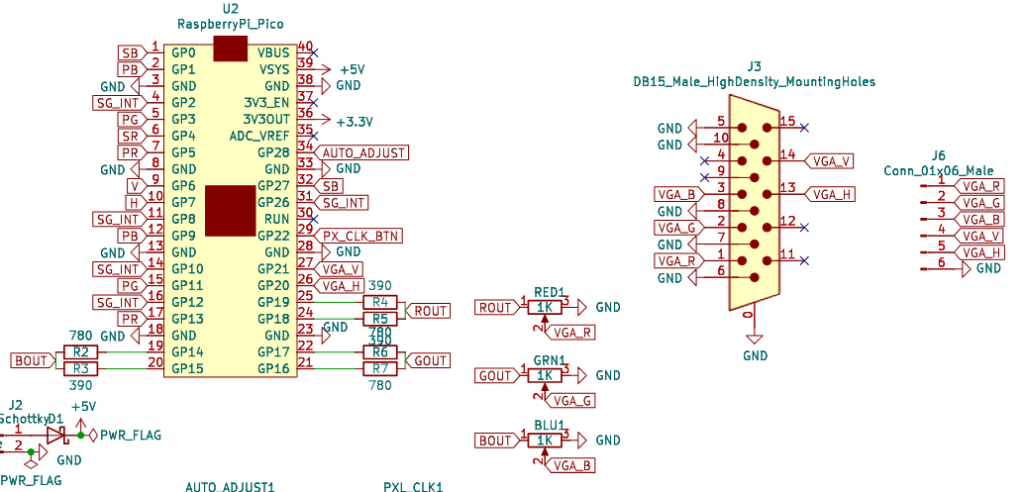
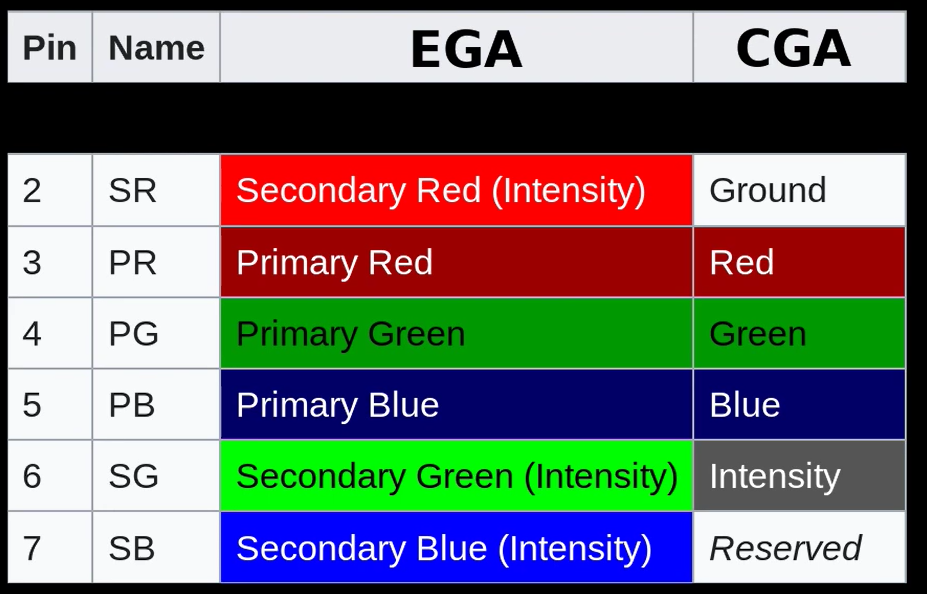
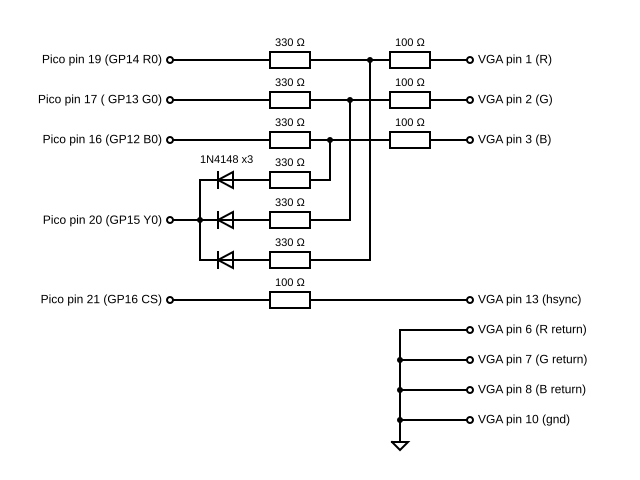

The Raspberry Pi Pico Hardware Design Manual has an example board that shows how an RP2040 can be used to create a VGA signal using a 3-way 5-bit resistor DAC. It is the basis of the Pimoroni Pico VGA Demo Base which makes messing around with it pretty easy.
But the downside is that it requires 5 GPIO pins per colour plus H and V sync pins, so that is 17 GPIO pins in total just for the VGA connection. There is a connection diagram in the pico-playground here: https://github.com/raspberrypi/pico-playground/tree/master/scanvideo
To use the code requires using the following:
- pico_scanvideo library from pico_extras.
- Examples from the pico_playground.
As you might imagine it uses the Pico’s PIO and I believe DMA, to transfer pixel data over to the GPIO pins.
But that is a lot of GPIO for video data, so are there any alternatives?
This post looks in varying levels of detail at the following options:
- Pico(Q)VGA and DispHSTX
- MCEBlaster
- pico-zxspectrum
And finally then a proper dive into the Scanvideo library provided as part of the Pico Extras and Pico Playground repositories from Raspberry pi.
Pico(Q)VGA and DispHSTX
One option is the really comprehensive PicoVGA project here: https://www.breatharian.eu/hw/picovga/index_en.html (with a fork that is designed to use the standard SDK build process and also supports the RP2350 here and a more minimal PicoQVGA version here).
This has a demo circuit that just uses 9 GPIO pins – 3 for red, 3 for green, 2 for blue plus one for Sync, which is a composite sync (CSYNC) for H and V sync combined.
This is because it only implements 8-bit resolution VGA. From the website:
“The RP2040 processor contains 264 KB of RAM. This is not much for higher resolution image output and therefore RAM needs to be very sparing. In technical practice and for retro games (the processor does not have the power for more advanced games), 8-bit graphics output in R3G3B2 format (i.e. red 3 bits, green 3 bits and blue 2 bits) is fully sufficient. Output…

 点赞
点赞 收藏
收藏 点踩
点踩 分享
分享