AZ-802 Study Guide: Automating Windows Server 2025 Lab Setup (Part 3): Unattended REPRO-DC02 Setup

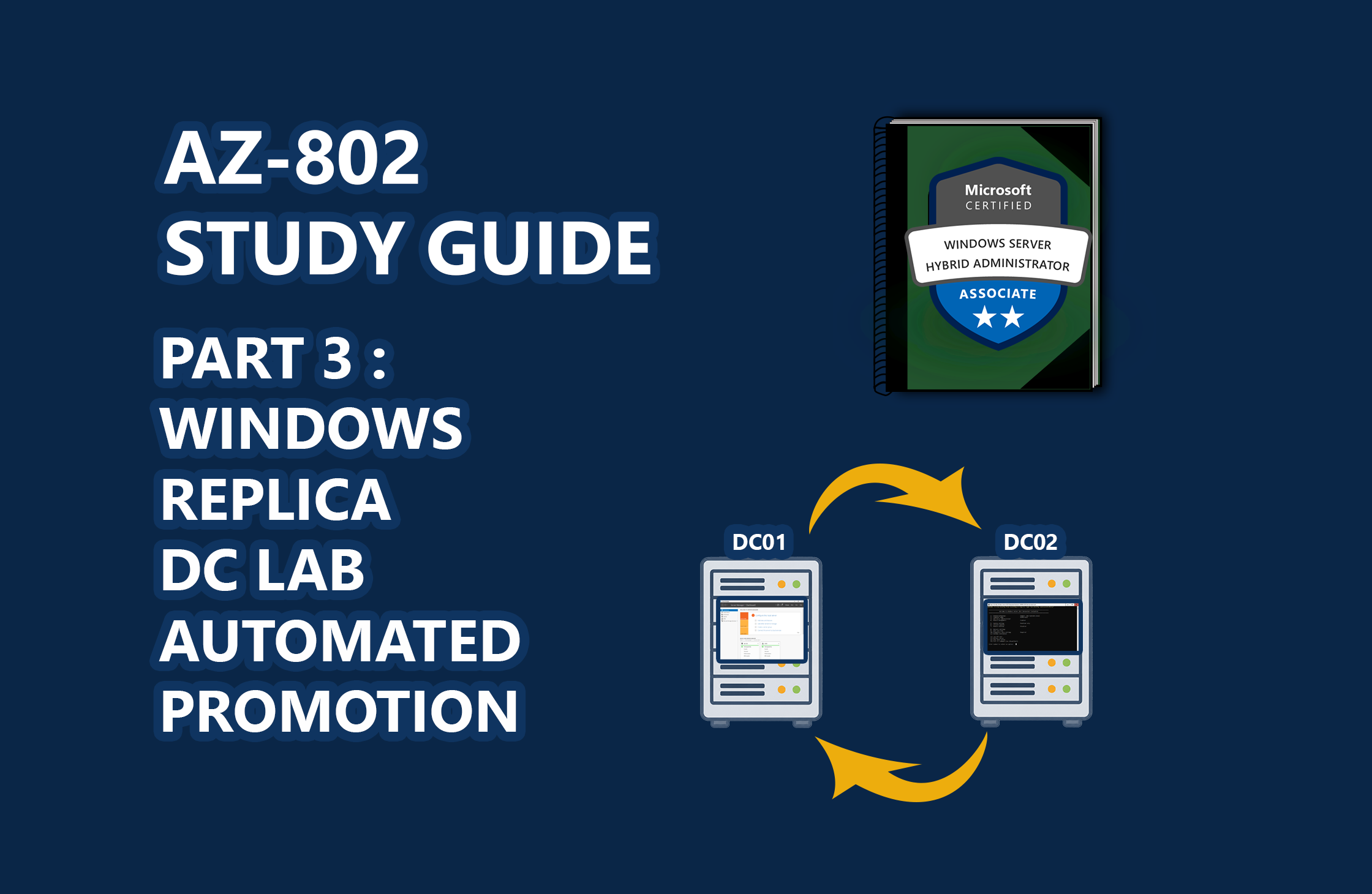
📖 AZ-802 Study Series: This is Part 3 of my hands-on lab series leading up to the Microsoft AZ-802 exam. To see the preceding steps, check out Part 2: Automating Windows Server Lab Setup and Part 1: Building a Multi-DC Active Directory Forest, or check out The Ultimate Guide to Windows Server Hybrid Administrator Associate (AZ-802) Study Guide for the complete roadmap.
In an enterprise IT infrastructure, a single domain controller is a single point of failure. To achieve high availability and load-balanced authentication services for on-premises and hybrid workloads, a secondary replica domain controller is required.
In Part 1 of this series, we mapped out the forest architecture. In Part 2, we automate the deployment of REPRO-DC01 (the forest root). In this third installment, we will walk through the automated provisioning and replica promotion of REPRO-DC02 using PowerShell, Hyper-V, and Windows unattended answer files.
🎓 Exam Alignment (Active Directory Domain Services & Site Topology):
Configuring, promoting, and maintaining replica domain controllers and Active Directory replication topologies are key skills tested in the AZ-802: Configuring Windows Server Hybrid Advanced Services exam under the "Deploy and Manage Active Directory Domain Services" domain. You are expected to understand:
Replica Promotion: Deploying and promoting replica domain controllers into an existing forest using PowerShell ( Install-ADDSDomainController ).
Active Directory Sites & Subnets: Creating and managing AD sites, configuring replication subnets, and managing site link costs.
Replication Diagnostics: Troubleshooting replication status, verifying directory database health, and identifying transient sync failures using command-line diagnostics (like repadmin and dcdiag ).
Server Core Administration: Deploying domain controller roles on Server Core and managing them remotely.
The Architecture: DC01 vs. DC02
While the initial installation of Windows Server 2025 is identical…

 点赞
点赞 收藏
收藏 点踩
点踩 分享
分享