AZ-802 Study Guide: Bridging On-Prem AD with Entra ID (Part 4): A Step-by-Step Entra Connect Lab

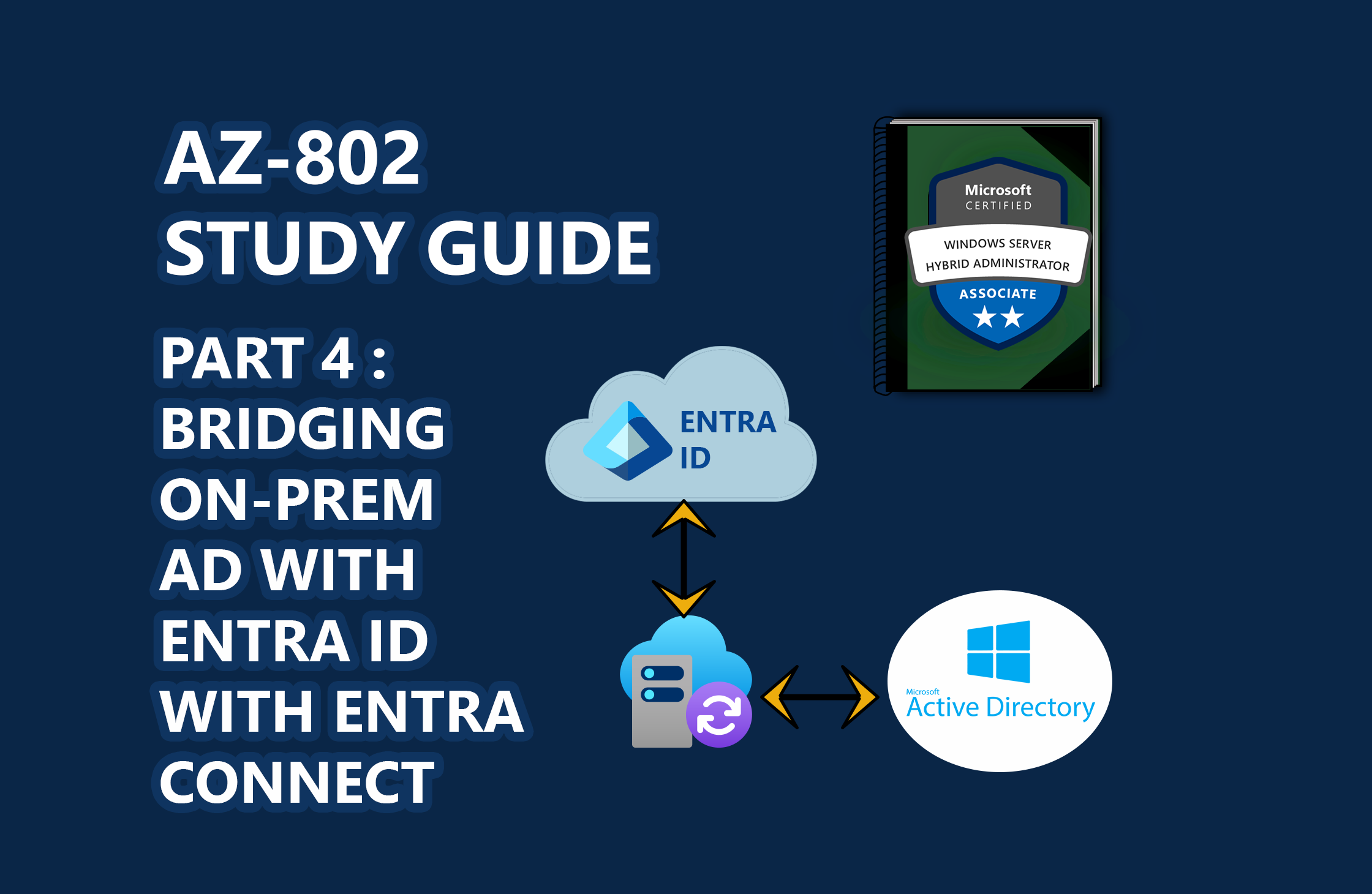
📖 AZ-802 Study Series: This is Part 4 of my hands-on lab series leading up to the Microsoft AZ-802 exam. To see the preceding steps, check out Part 3: Automating Replica Domain Controller Promotion, Part 2: Automating Windows Server Lab Setup, and Part 1: Building a Multi-DC Active Directory Forest, or check out The Ultimate Guide to Windows Server Hybrid Administrator Associate (AZ-802) Study Guide for the complete roadmap.
Modern enterprise architectures are rarely on-premises only. Establishing a hybrid identity infrastructure is a core requirement of the Microsoft AZ-802 syllabus. This involves bridging your local Active Directory domain ( lab.reprodev.local ) with a cloud-based Microsoft Entra ID tenant.
In this guide, we will walk through setting up Microsoft Entra Connect Sync in a home lab environment, configuring security baselines like Password Hash Synchronization (PHS), triggering sync intervals via PowerShell, and resolving the common "soft-matching" vs. "hard-matching" conflict gotchas.
🎓 Exam Alignment (Hybrid Directory Identity Services):
Designing, configuring, and managing Microsoft Entra Connect Sync is a major testing focus under the "Deploy and Manage Active Directory Domain Services" domain of the AZ-802: Configuring Windows Server Hybrid Advanced Services exam. You are expected to know:
Authentication Methods: Comparing and configuring Password Hash Synchronization (PHS), Pass-Through Authentication (PTA), and Federated Authentication (AD FS).
Seamless SSO: Implementing Kerberos-based Seamless Single Sign-On for corporate network users.
Sync Scope Filtering: Restricting directory synchronization to specific Organizational Units (OUs) or domain subsets.
Diagnostics & Troubleshooting: Identifying sync health via the Synchronization Service Client ( miisclient.exe ) and resolving duplication/matching conflict errors (soft-matching vs. hard-matching).
The Identity Architecture
In a standard Entra Connect configuration, the local Active…

 点赞
点赞 收藏
收藏 点踩
点踩 分享
分享