AZ-802 Study Guide: Building a Windows Failover Cluster (Part 7): Setting Up a 2-Node Cluster with Azure Cloud Witness

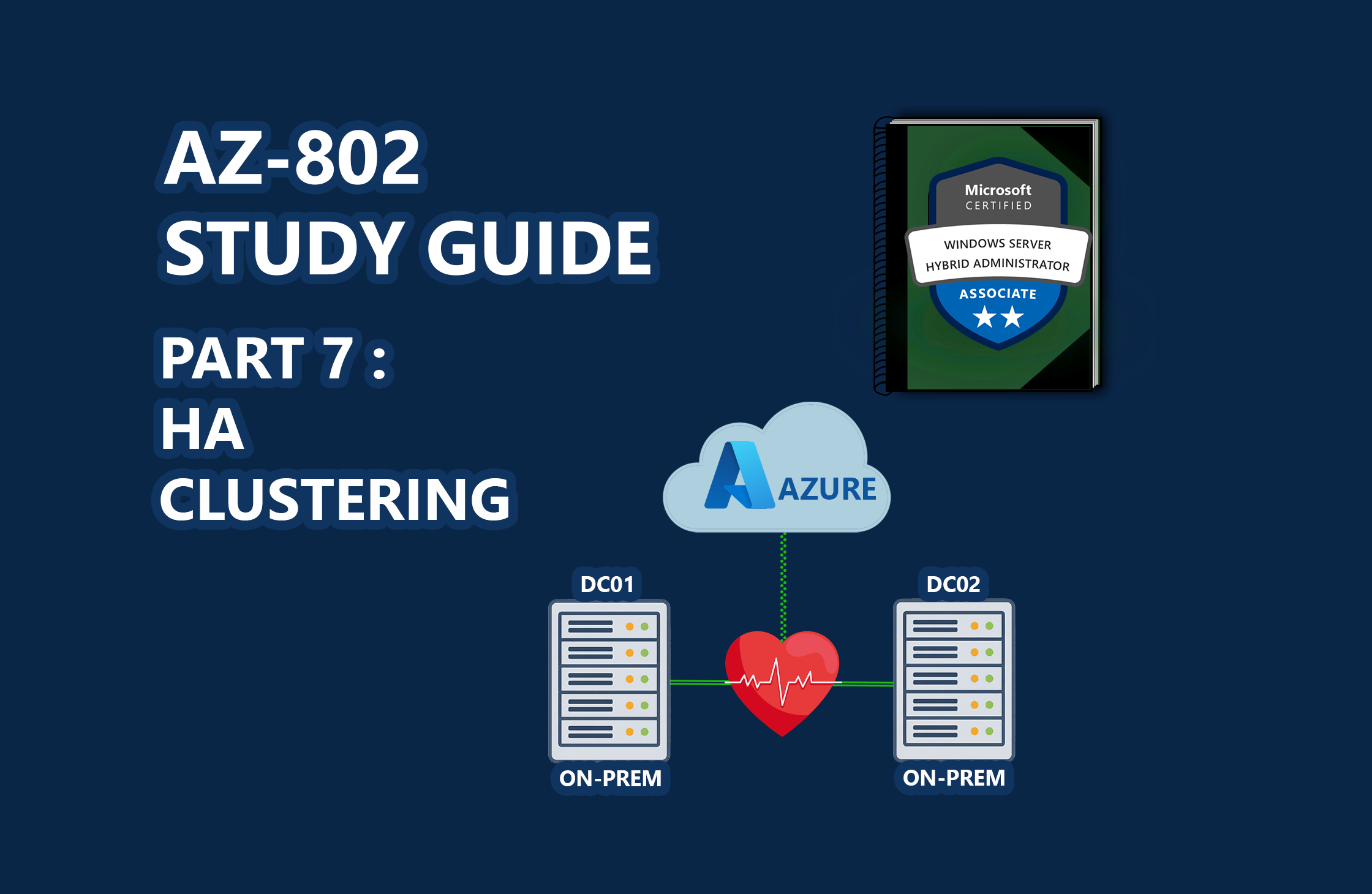
📖 AZ-802 Study Series: This is Part 7 of my hands-on lab series leading up to the Microsoft AZ-802 exam. To see the preceding steps, check out Part 6: Centralizing Fleet Patching, Part 5: Onboarding Servers to Azure Arc, Part 4: Bridging On-Prem AD with Entra ID, Part 3: Automating Replica Domain Controller Promotion, Part 2: Automating Windows Server Lab Setup, and Part 1: Building a Multi-DC Active Directory Forest, or check out The Ultimate Guide to Windows Server Hybrid Administrator Associate (AZ-802) Study Guide for the complete roadmap.
High availability (HA) infrastructure is a key focus of the Microsoft AZ-802 certification. In enterprise systems, failover clustering typically relies on expensive Storage Area Networks (SANs) or shared SAS drives to act as shared storage and quorum witnesses.
However, in modern devops practices (and in home labs), physical SANs are impractical. In this guide, we will walk through deploying a 2-Node Windows Server Failover Cluster (WSFC) in a home lab using Azure Cloud Witness as a remote quorum arbiter. This design allows you to build clusters without shared physical storage arrays.
🎓 Exam Alignment (High Availability & Failover Clustering):
Implementing and managing failover clusters and hybrid quorum technologies are heavily tested objectives within the "Configure and Manage High Availability" domain of the AZ-802: Configuring Windows Server Hybrid Advanced Services exam. You must understand:
Cluster Validation: Running cluster validation reports to verify that nodes, networks, and system configurations are fully supported.
Quorum Witnesses: Selecting the correct quorum model based on node count and network architecture, specifically configuring and troubleshooting Cloud Witness using Azure Storage Accounts.
Active Directory Integration: Pre-staging Cluster Name Objects (CNO) and managing virtual machine access permissions within AD.
Storage Spaces Direct (S2D) & CSV: Basic concepts of shared storage and Cluster S…

 点赞
点赞 收藏
收藏 点踩
点踩 分享
分享