AZ-802 Study Guide: Taming Local Storage Bloat (Part 8): Hybrid Storage with Azure File Sync

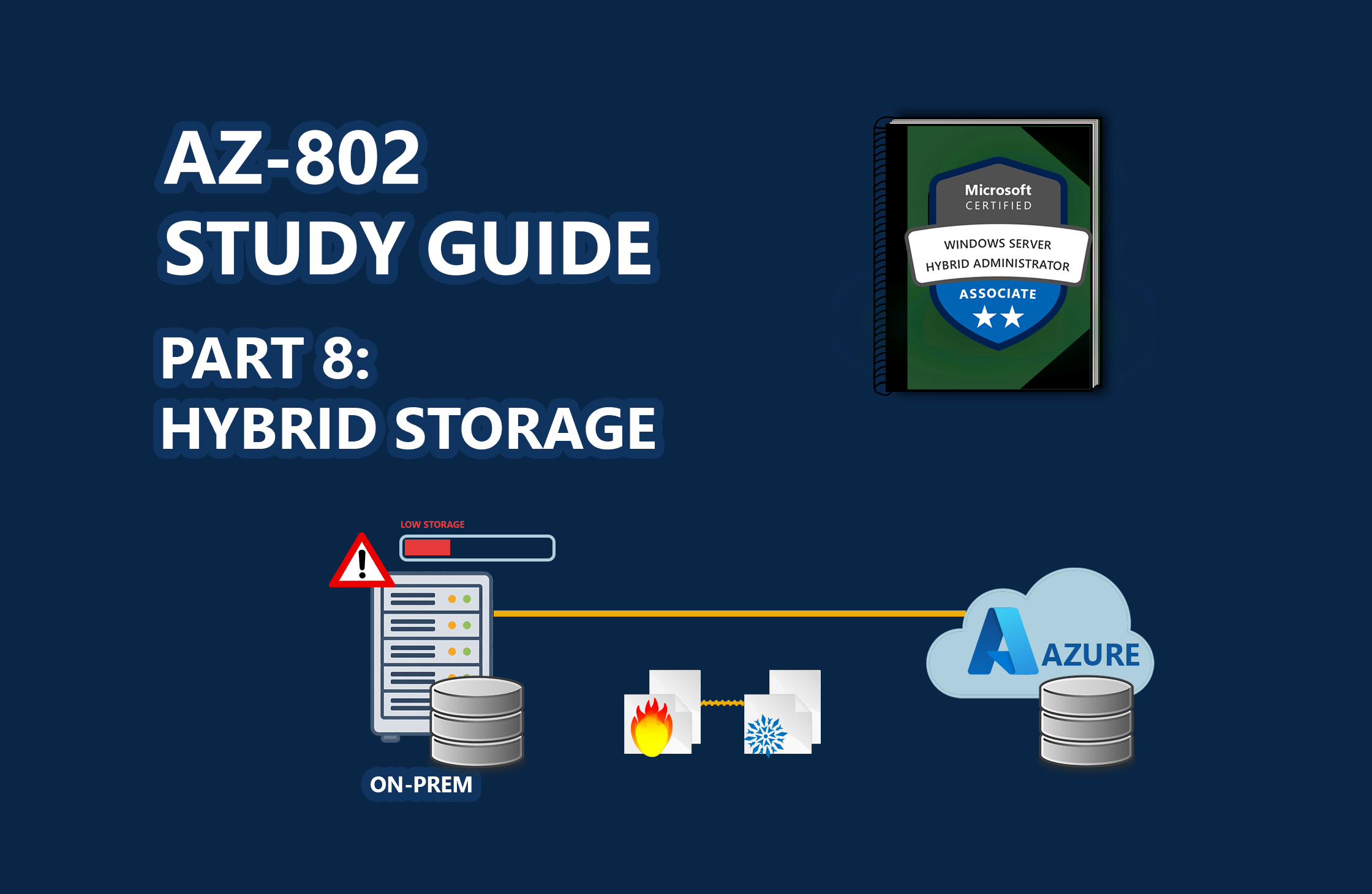
📖 AZ-802 Study Series: This is Part 8 of my hands-on lab series leading up to the Microsoft AZ-802 exam. To see the preceding steps, check out Part 7: Building a Windows Failover Cluster, Part 6: Centralizing Fleet Patching, Part 5: Onboarding Servers to Azure Arc, Part 4: Bridging On-Prem AD with Entra ID, Part 3: Automating Replica Domain Controller Promotion, Part 2: Automating Windows Server Lab Setup, and Part 1: Building a Multi-DC Active Directory Forest, or check out The Ultimate Guide to Windows Server Hybrid Administrator Associate (AZ-802) Study Guide for the complete roadmap.
Managing local file server capacity is a standard maintenance task for systems administrators. Physical hard disks fill up, and buying new SAN capacity can be prohibitively expensive.
For the Microsoft AZ-802 syllabus, the solution is Azure File Sync. By configuring a Storage Sync Service, you can bridge your local Windows Server folders with cloud-based Azure Files shares. This setup enables Cloud Tiering, which automatically moves cold, rarely-accessed files to Azure, leaving lightweight pointer files locally to reclaim massive on-premises disk space.
🎓 Exam Alignment (Hybrid Storage & Azure File Sync):
Configuring and managing hybrid storage solutions is a key testing area within the "Configure and Manage Hybrid Storage" domain of the AZ-802: Configuring Windows Server Hybrid Advanced Services exam. You must know:
Storage Sync Service Infrastructure: Creating Storage Sync Services, defining Sync Groups, registering server endpoints, and mapping them to Cloud Endpoints (Azure File Shares).
Cloud Tiering Policies: Designing Volume Free Space and Date-based caching policies to optimize local drive capacity.
File Attributes & Inspection: Distinguishing local files from tiered placeholder files by inspecting file attributes (specifically the Offline and Recall attributes) and evaluating "Size" vs. "Size on disk" properties.
Interoperability: Understanding how Azure File Sync…

 点赞
点赞 收藏
收藏 点踩
点踩 分享
分享