How to remove the iOS 27 Beta from your iPhone and leave Apple’s Beta Program

Were you so keen to try out the new features coming in iOS 27 that you decided to throw caution to the wind and install the iOS beta on your iPhone? Are you regretting it? If you want to return your iPhone to its pre-beta state and get iOS 26 back, here’s what you need to do.
While running the beta of iOS 27 gives you a glimpse of what was to come later in 2026 when the full version launches, it’s a beta, which means that it’s likely to be buggy at best, and at worse it could make your iPhone unusable. Those two reasons are why we advise against installing the iOS beta. If you do need to run the beta then run it on a spare iPhone and make sure that everything it backed up before hand.
If you really want to run the iOS beta and you aren’t a developer, the Public beta release should give a slightly more stable version, but even better, wait for a few months and let Apple iron out the initial, iPhone breaking, issues.
If it’s too late for those words of caution, don’t despair. Read on to find out what to do to remove the developer or public beta for iOS 27.
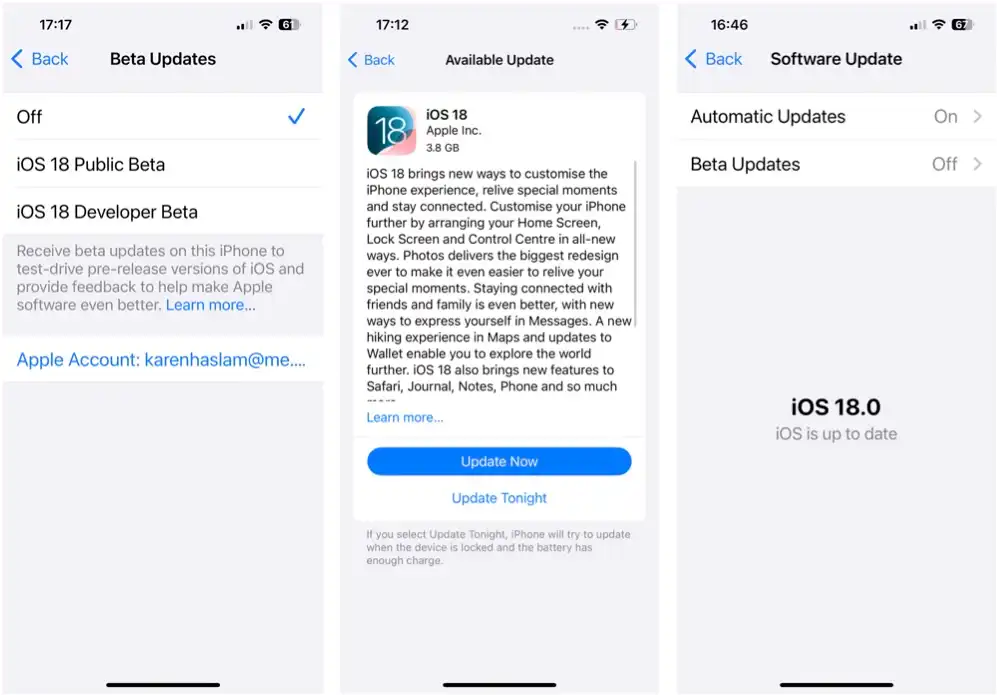
How easy this process is depends on the stage of the beta testing phase you are at. We’ll start with the complex process for downgrading the beta of iOS 27 to iOS 26, before discussing the easier process of removing iOS 27 beta and leaving the beta program once the final version of iOS 27 is out.
How to go from iOS 27 beta to iOS 26
If you have an archived backup from before you installed the beta you can use that during the recovery steps below.
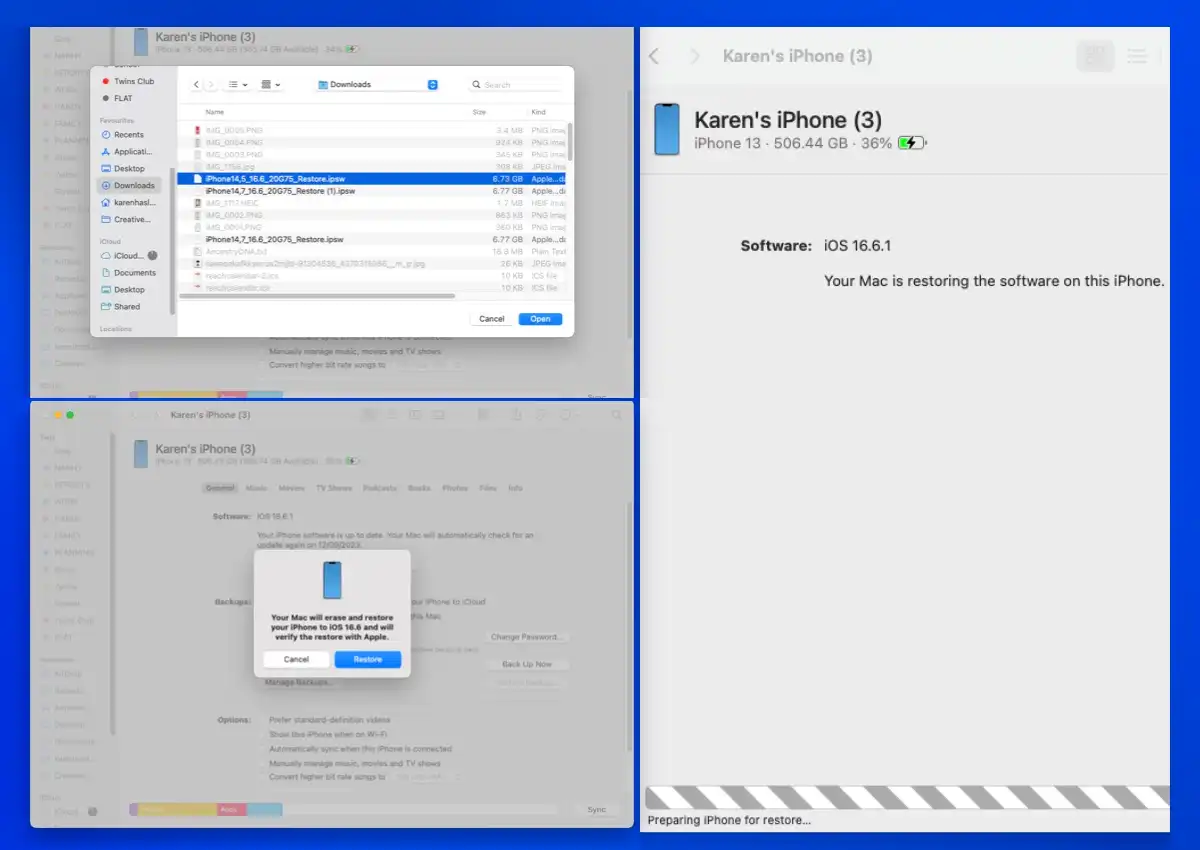
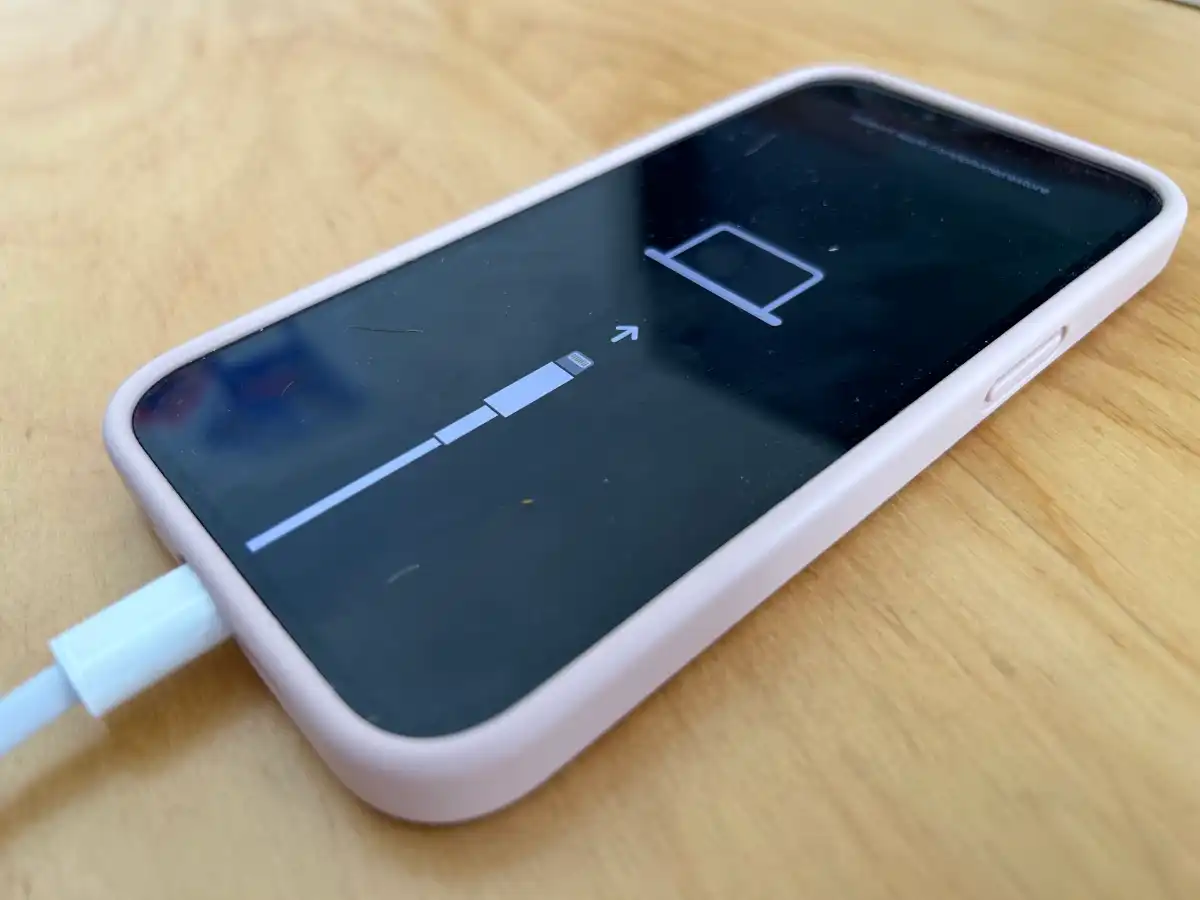
During the iOS 27 beta period, the only way to return to iOS 26 is to erase your iPhone and reinstall a signed version of iOS 26. Simply erasing the device won’t remove the beta software, and backups created while running iOS 27 beta generally can’t be restored after downgrading.
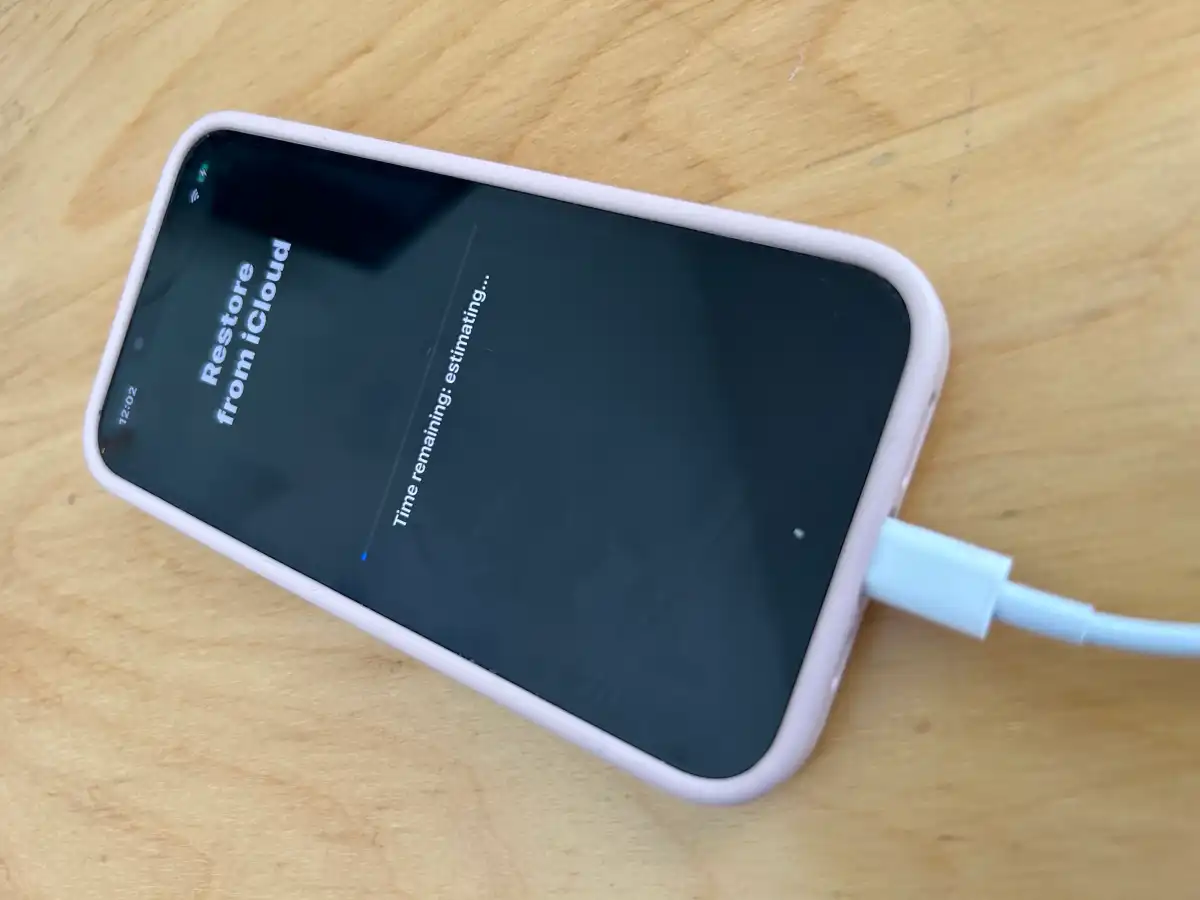
If you don’t have a backup made before installing the beta, you’ll need to set up your iPhone as new and allow any data stored in iCloud – such as Photos, Contacts, Messages, Not…

 点赞
点赞 收藏
收藏 点踩
点踩 分享
分享