Inside Kilo Speed: We Taught Kilo to Test Itself

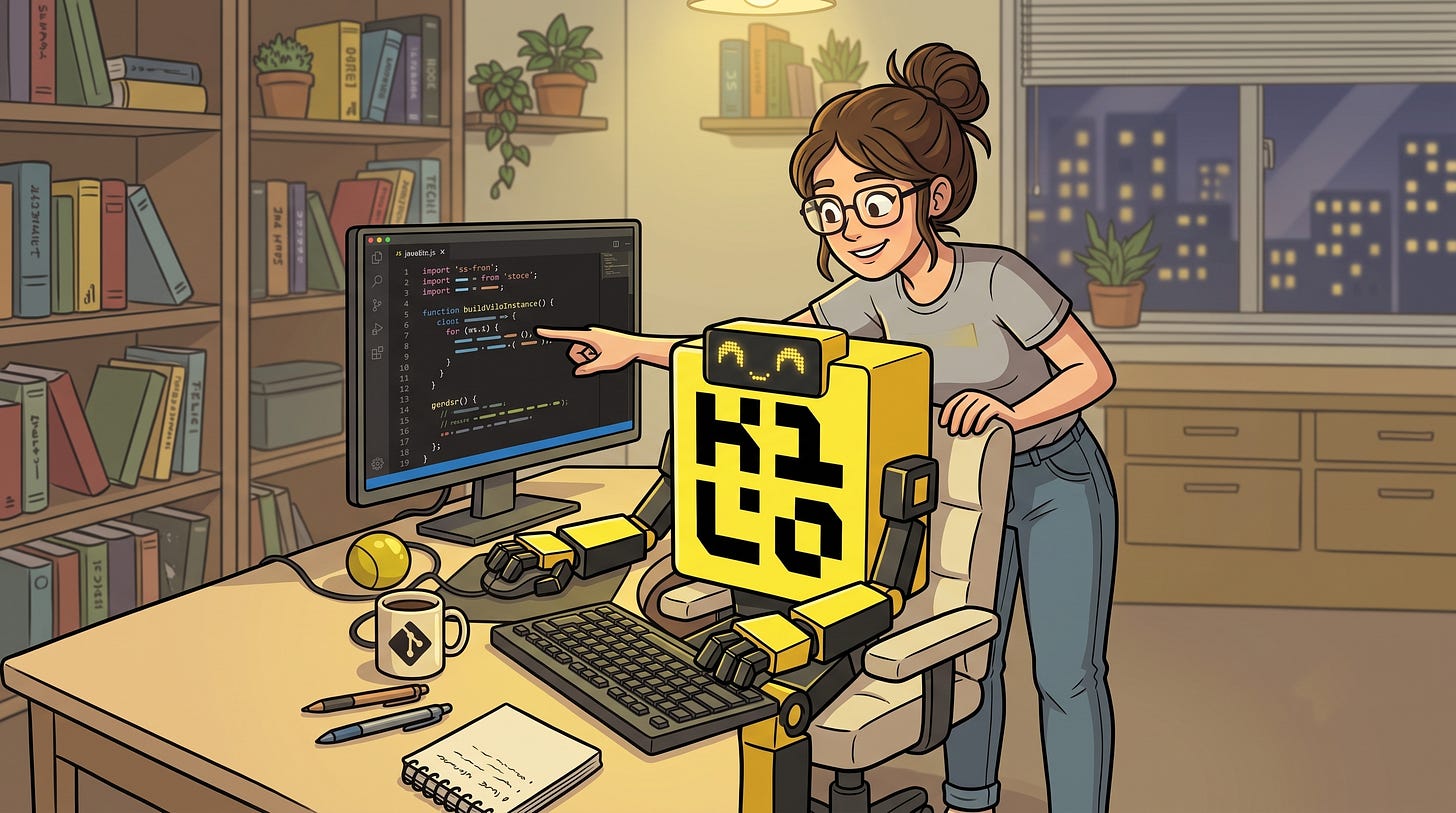
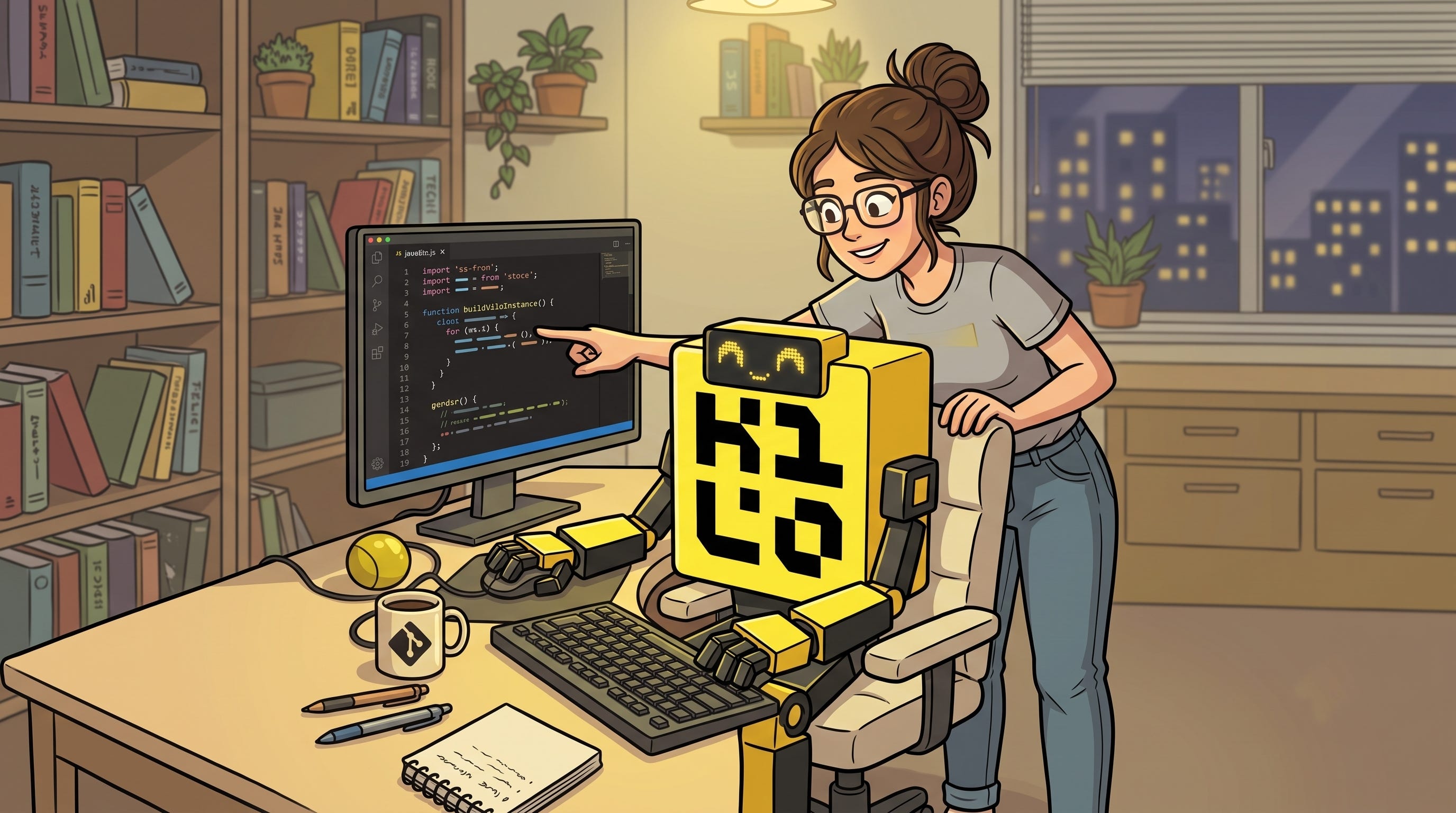
Most of the conversation about AI coding stops at code generation. The agent reads a ticket, writes a diff, opens a PR. The interesting frontier is the loop that closes after the writing. The question is whether the agent can run the thing it just built, look at the result, and decide whether it actually worked.
For the last few weeks, that’s exactly what we’ve been doing internally. We gave Kilo the ability to test our own VS Code extension and CLI end-to-end, so it drives the product and observes what actually happens rather than describing what should.
The gap between “wrote code” and “verified it works”
For a browser app, this problem is mostly solved. Point an agent at a dev server, hand it Playwright, teach it how to sign in, and it can click through a real user flow, take a screenshot, and confirm the feature does what you asked. Our cloud repo has worked this way for a while. When an engineer builds a feature there, the agent usually just spins up a Chrome window and exercises it. The models have been trained heavily on this pattern, so it comes naturally.
The IDE extension is a much harder target. There are nested iframes within iframes, a UI that doesn’t behave like a normal web page, and a CLI that’s driven through a terminal rather than a DOM. Historically, models struggled to drive it at all.
That’s changed. Computer-use and tool-use ability jumped enough in recent models that an agent can now operate the extension directly - with the newest models, close to reliably.
What “self-testing” actually looks like
The setup is a repository you ask your agent to install. Once it’s in place, Kilo can:
Open VS Code windows and drive the extension the way a user would
Compile the CLI and run it through the terminal, then assert on the output
Run a full end-to-end pass on the feature it just built
Profile and benchmark itself, comparing before and after a change
None of this happens invisibly. The windows it opens are right there on screen, fully obser…

 点赞
点赞 收藏
收藏 点踩
点踩 分享
分享