ZX Mechtrum

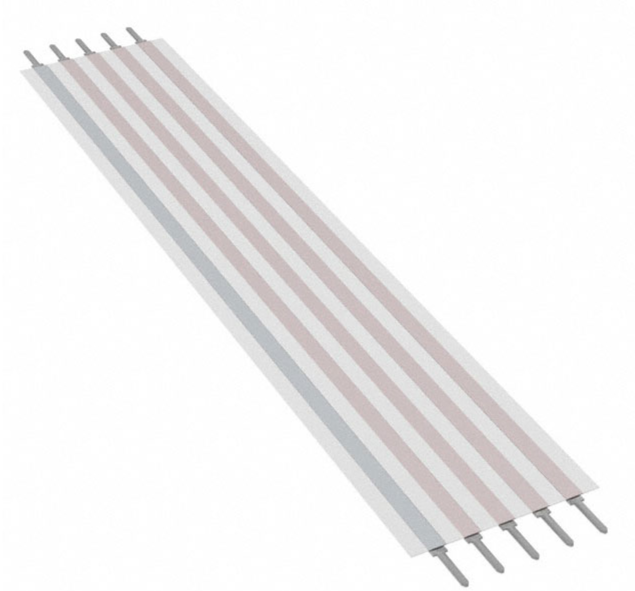
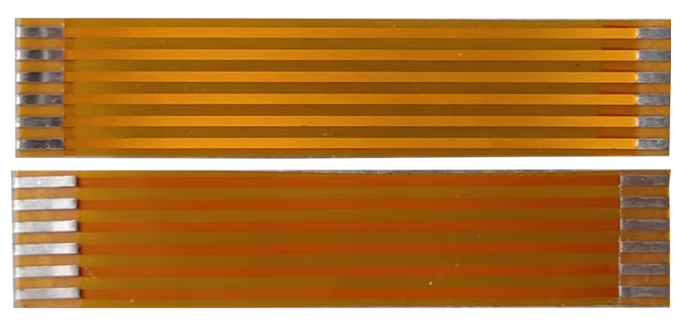
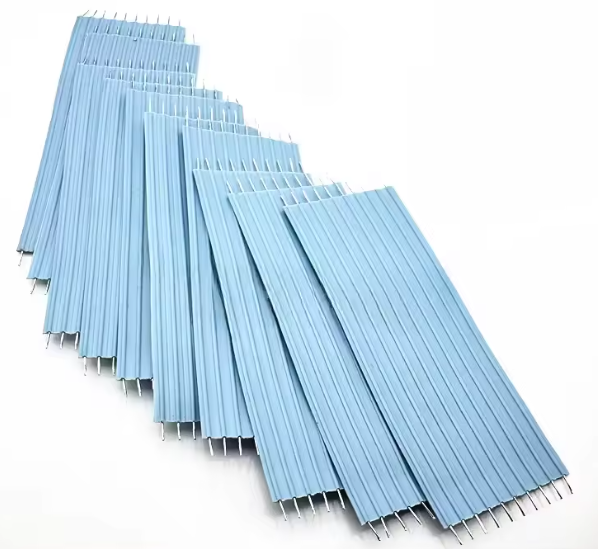
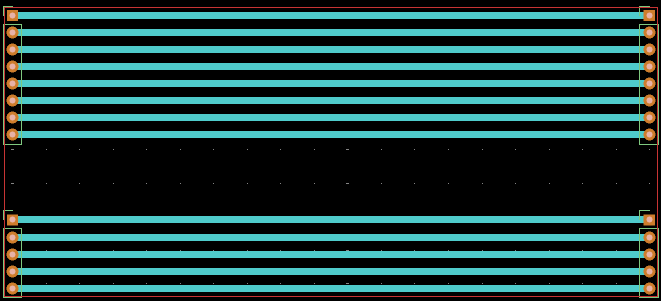
One of the issues I had with my ZX Spectrums at the time I started writing this was no working keyboards! I’ve now replaced some membranes (see ZX Spectrums – Part 3 ) and have two working machines again. But I have others to look at and as I also have an unbuilt Harlequin for a rainy day, I was looking around for some alternatives to the original Spectrum rubber key or Plus keyboards.
I saw the Mechtrum at RetroFest last year (2025) I think? And almost went and got one there and then. It is a really nice design, but it isn’t cheap to build. But I’ve finally pushed go on all the parts, so this details how I got one up and running.
I’m not going to go into detail about what it is, there are two really good videos that will do that:
From Lee Smith, the creator, announcing the Mechtrum DLX: makertube.net/w/3y3q13jHfehKtCLCqVCcqf
From Lee, MoreFunFixingIt, on the history of 3rd party keyboards for Spectrums and his own Mechtrum build: makertube.net/w/nXY7175VfeuhdCCKCFTVAJ
The original Mectrum was essentially a very nice case for the keyboard PCB design from Don Superfo, the developer of the Harlequin. The latest version of the Mechtrum DLX can be obtained from the following places:printables.com/model/1308602-zx-mechtrum-dlx – the 3D printed case for the Mechtrum DLXpcbway.com/project/shareproject/ZX_Spec..._Keyboard_with_space_bar_9eb1928d.html – the Mechtrum DLX PCB
Whilst the designs are fully published, and there are a number of videos about the keyboards, I’ve struggled to find a complete list of what you need and what you do, so this post is detailing what I’ve found out as I’ve built my own.
While on the topic of keyboards there is a good visualisation of the keyboard membrane for the original Spectrum here: kameli.net/marq. The additional keys on a Spectrum Plus or 128K involved additional layers for the membrane so that mechanically pressing one of the additional ke…

 点赞
点赞 收藏
收藏 点踩
点踩 分享
分享