StarTech USB4 Dock review: Native dual displays without Thunderbolt


At a glance
Expert's Rating
Pros
Driverless dual-display support (M3 and later)
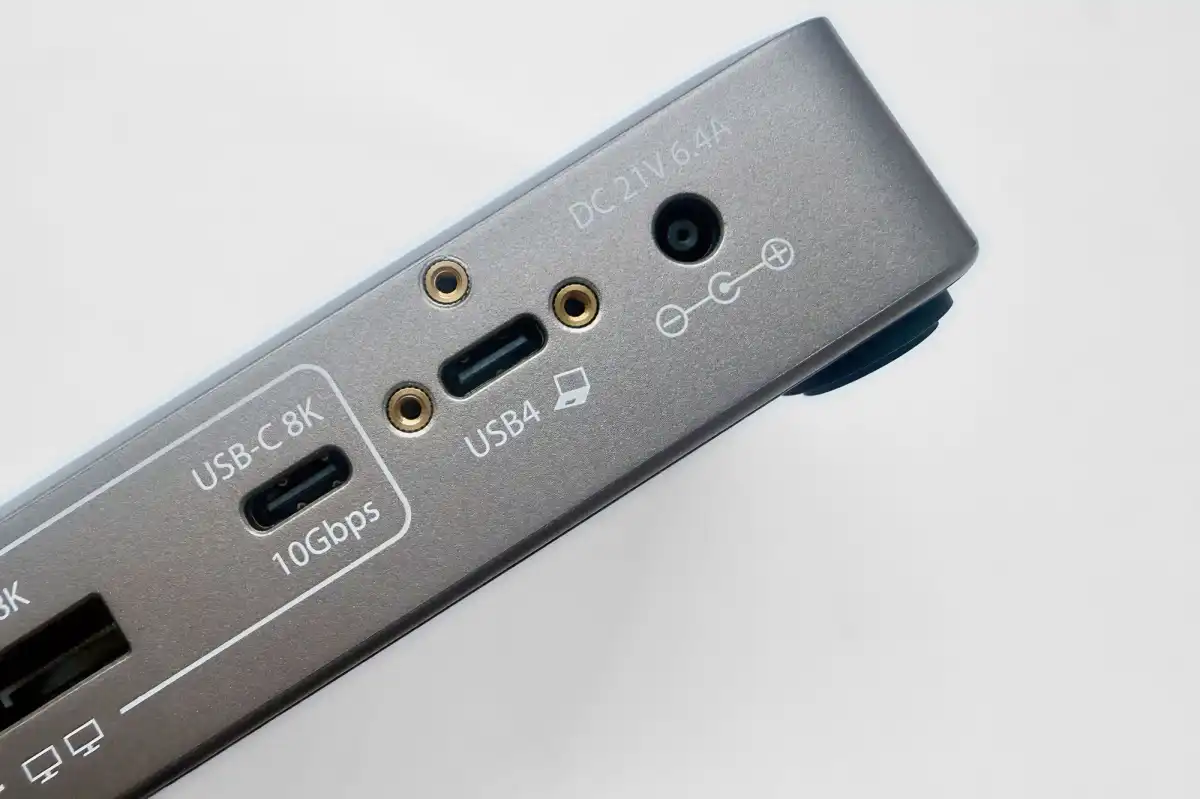
40Gbps USB4
100W PD to laptop
More affordable than Thunderbolt
Cons
Relatively few ports
Low device charging from USB ports
Our Verdict
The ultra-secure StarTech.com 208N will appeal to frugal IT teams deploying high-performance dual-display workstations across different platforms with its networking and simple driverless setup.
Price When Reviewed
This value will show the geolocated pricing text for product undefined
Best Pricing Today
Price When Reviewed
$143.99
Best Prices Today: StarTech.com Driverless Dual 4K USB4 Docking Station (208N-USB4-DOCK)
Retailer
Price
$143.99View Deal
StarTech.com
$143.99View Deal
Price comparison from over 24,000 stores worldwide
Product
Price
Price comparison from Backmarket
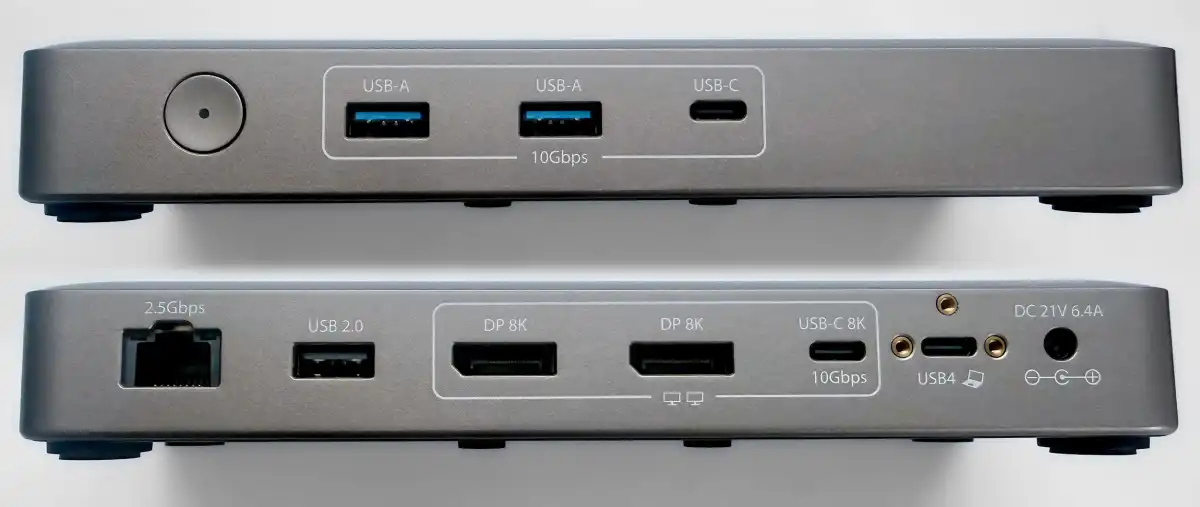
What is it? An entry-level docking station that effortlessly connects up to two external displays without the need to install extra software.
Who is it for? MacBook users who want to natively maximize their dock display options without spending big on Thunderbolt, and IT teams who manage offices with multiple fixed monitor setups.
Who shouldn’t buy it? Base MacBook M1/M2/Neo users who require DisplayLink docks to use more than one monitor.
Most of the docks we recommend to Mac users use Thunderbolt, which offers the fastest speeds and the broadest feature set. USB-C docks are usually much cheaper, making them an attractive alternative, but they come with compromises. They often offer slower data-transfer speeds – typically 10Gbps compared to Thunderbolt’s 40Gbps – and most can’t provide two native extended displays on a Mac.
Because macOS doesn’t support DisplayPort Multi-Stream Transport (MST), a basic non-Thunderbolt dock can only mirror a second external display rather than extend it. There are workarounds. DisplayLink docks can support multiple screens, but require drivers and come with their own limitations. Other docks use two upstr…

 点赞
点赞 收藏
收藏 点踩
点踩 分享
分享