One agent per model: control which skills load in Kilo


A user asked in our Discord: can Kilo automatically enable or disable skills based on the model you’re using? For open-weight models like GLM5 or DeepSeek v4, a skill like superpowers adds real structure to multi-step work. For frontier models like GPT-5.6 or Fable 5, loading the same skill just burns context and slows them down.
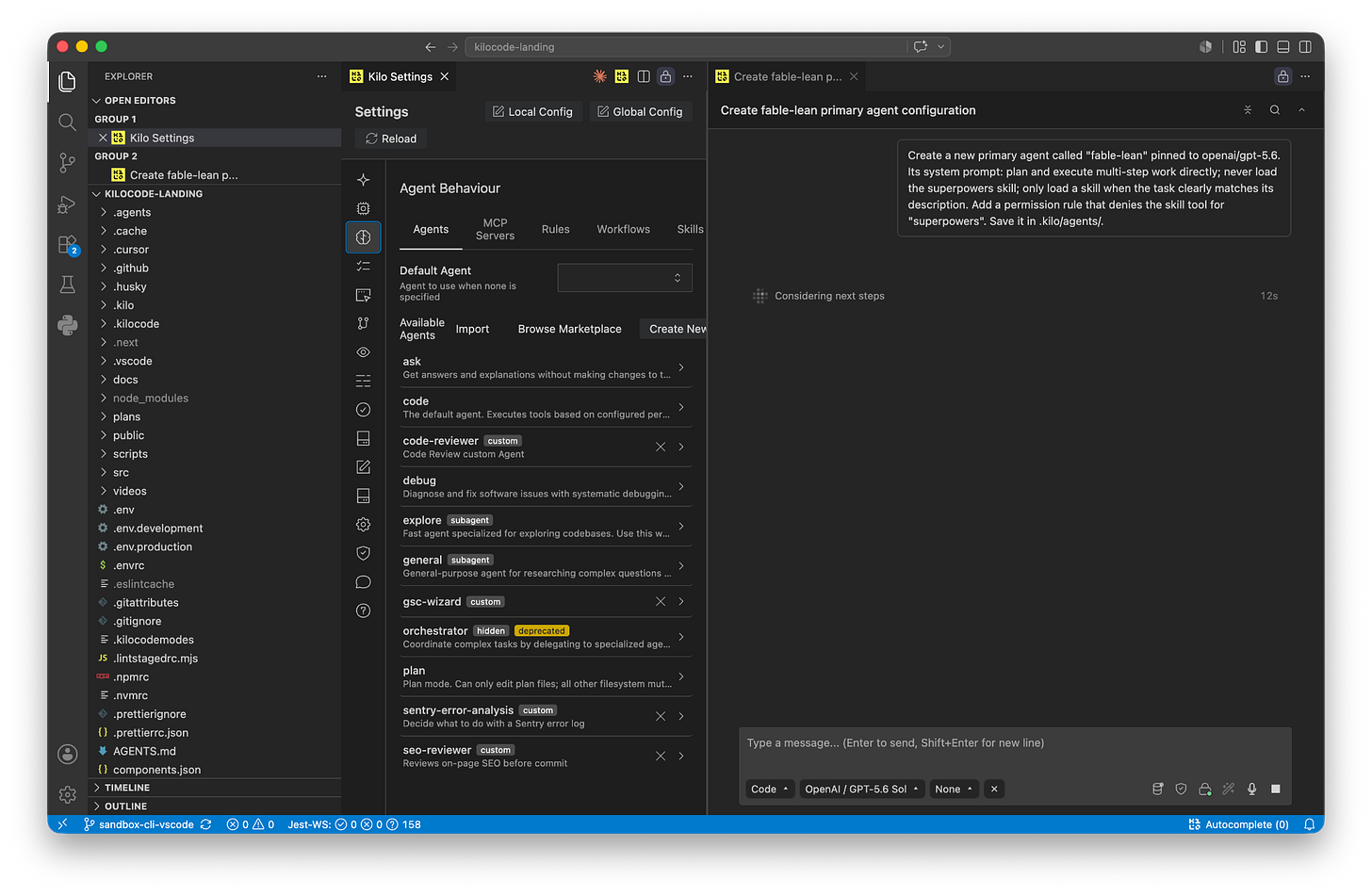
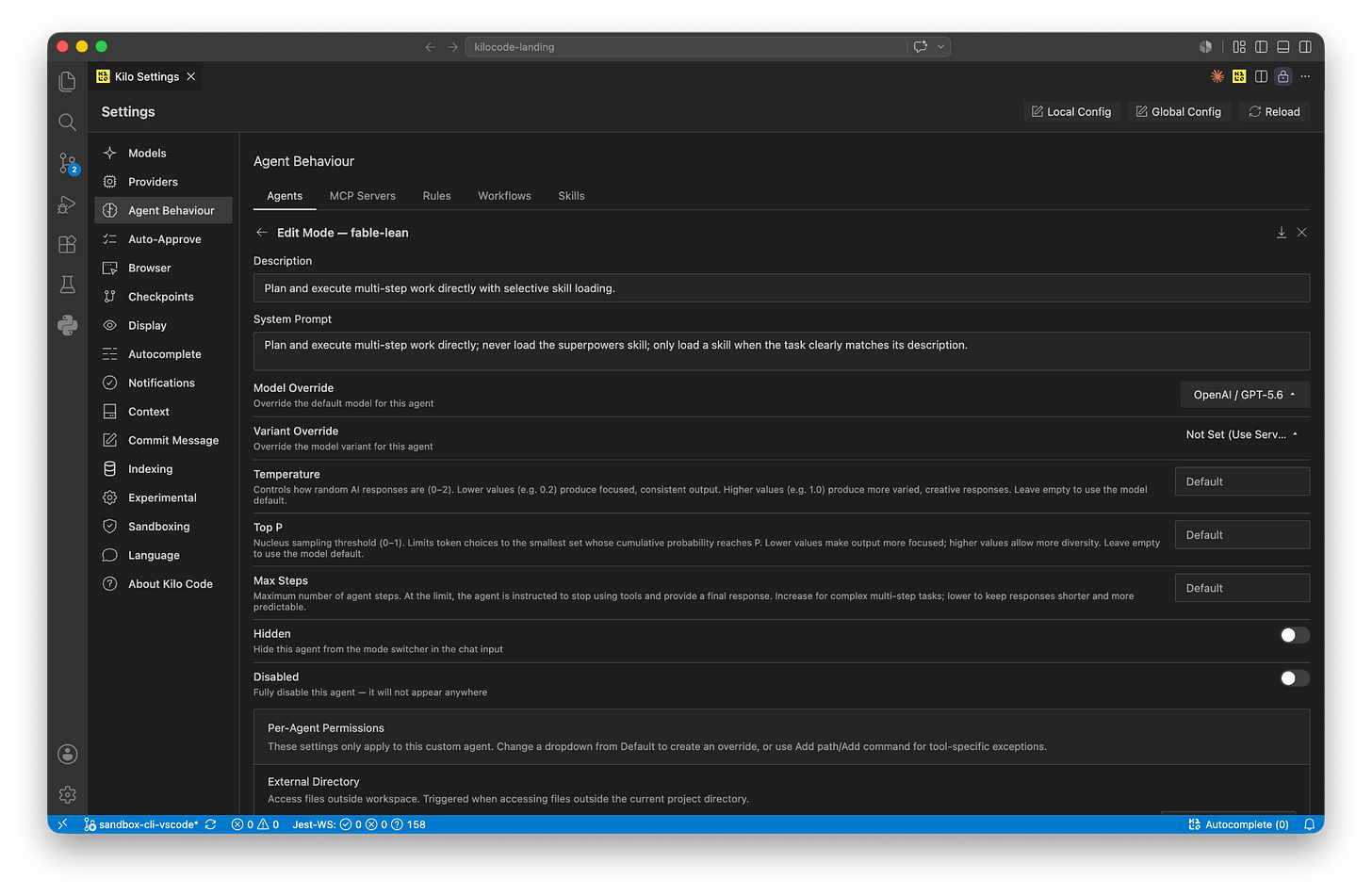
There’s no per-model skill toggle in Kilo today. Skills load into one shared pool, and the agent decides which one to use based on each skill’s description. But there’s a setup that gets you the same result with one keystroke: custom agents. An agent bundles a model, a system prompt, and tool permissions into a single profile. Create one agent per model, give each a skill policy, and switching agents switches both at once.
Thanks for reading Kilo Blog! Subscribe for free to receive new posts and support my work.
How skills load
Quick recap of the mechanics, because they explain why this works:
On session start, Kilo scans your skill directories and reads only each skill’s metadata (name, description, path).
That metadata goes into the system prompt. This part is cheap — a few lines per skill.
When the agent decides a task matches a skill’s description, it calls the skill tool, which loads the full SKILL.md into context. This is the expensive part, and the part you want to control per model.
So there are two levers, both of which live on the agent:
Prompt. The agent’s system prompt can tell the model when to reach for a skill and when to skip it.
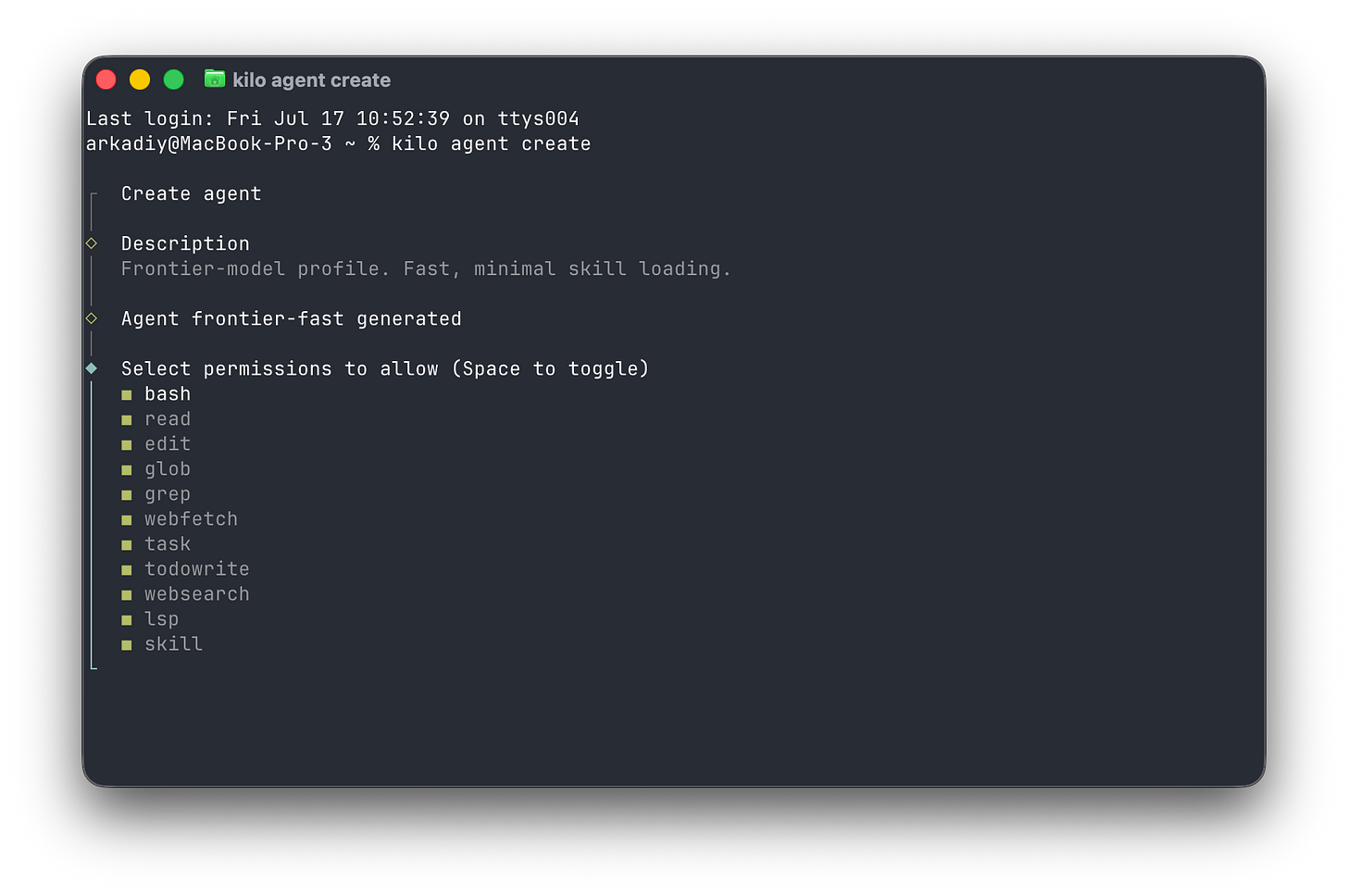
Permission. The skill tool obeys the same allow/ask/deny rules as bash or edit. Deny it and the full skill can’t load, no matter what the model decides.
The recipe
We’ll build two agents:
deep-work — pinned to GLM 5.2, told to lean on superpowers for multi-step tasks.
fable-lean — pinned to Fable 5, told to skip superpowers, with a permission rule that blocks it outright.
Switching between them is one action: the agent picker in VS Code, or Tab in the CLI. Model IDs below are example…