Microsoft reveals why Windows 11 keeps saying a file is in use after you close the app, plus the fix

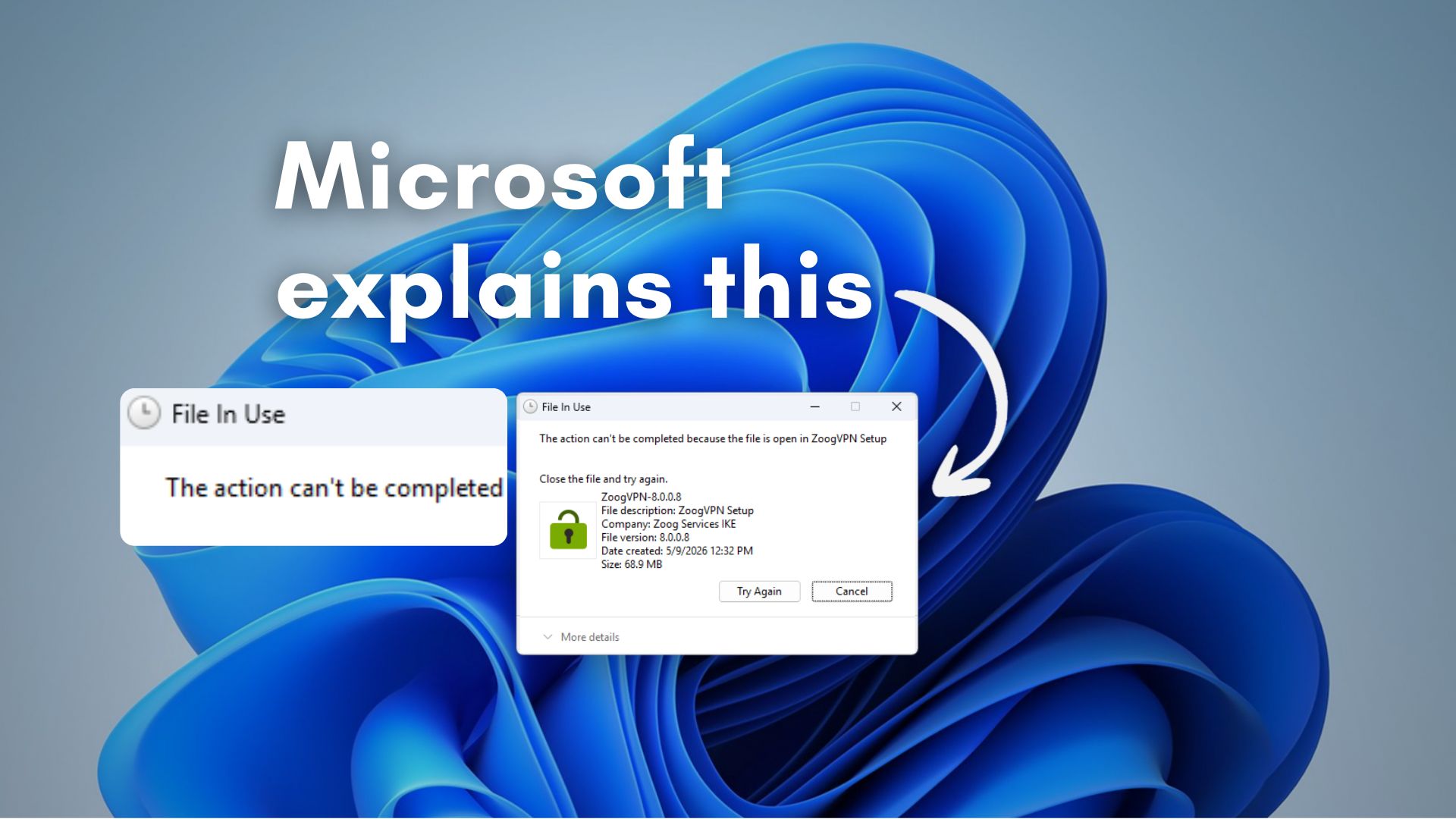
Microsoft's Azure CTO Mark Russinovich has finally explained why Windows says a file is 'in use' even after you've closed the app - antivirus scans, DLLs mapped in memory, and network processes are the usual culprits. Here's how Handle and Process Explorer can identify what's holding the file.
The post Microsoft reveals why Windows 11 keeps saying a file is in use after you close the app, plus the fix appeared first on Windows Latest

 点赞
点赞 收藏
收藏 点踩
点踩 分享
分享评论
?
参与讨论